
Early access · Release date: February 5, 2026
UpdatedMENACE Steam Guide: Updates, Specs, and Buying Advice
Explore MENACE Steam features, PC requirements, combat tips, and the latest updates. Get ready for Early Access with practical advice before you deploy.
Jump to
Is MENACE Available on Steam?
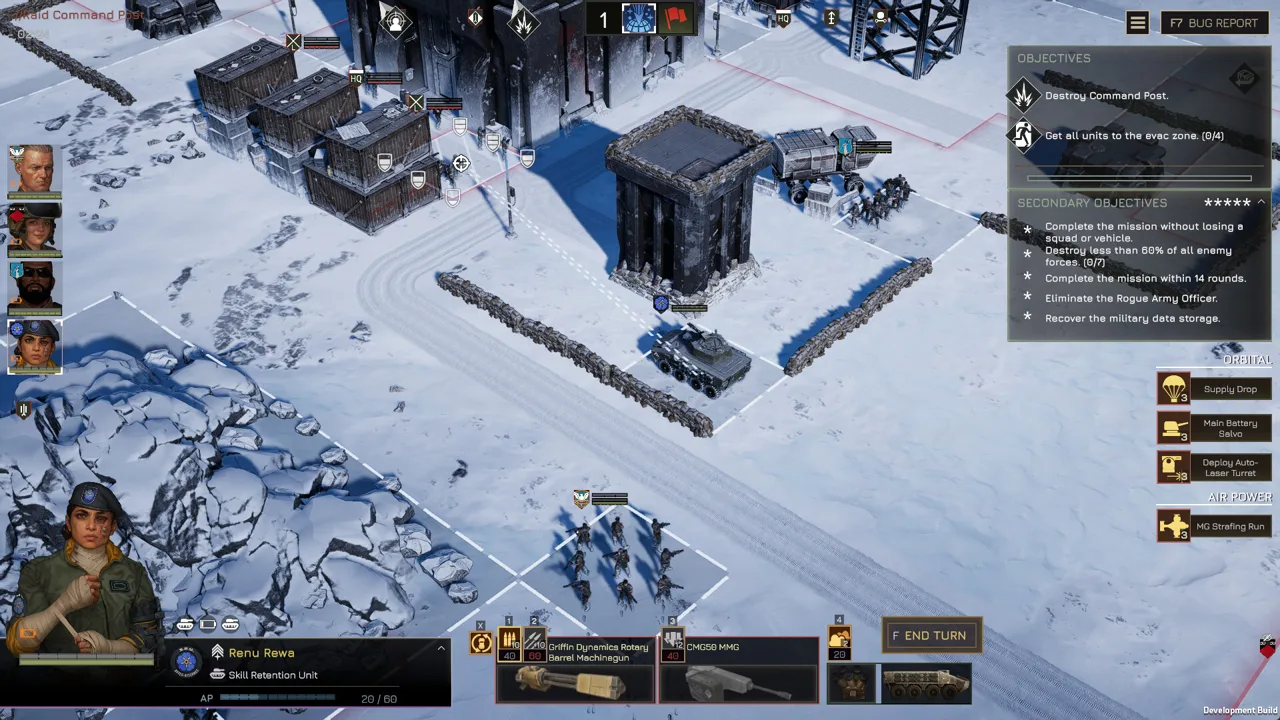
MENACE Steam puts you in charge of a stranded strike force where every weapon, vehicle, and casualty affects your next decision. Understanding its Early Access status matters before you commit to a campaign that is still receiving substantial changes. This MENACE Steam guide covers what you can play now, the hardware requirements, and the updates that affect your next deployment.
MENACE entered Steam Early Access on February 5, 2026. Developed by Overhype Studios and published by Hooded Horse, it combines turn-based tactical battles with equipment management, named squad leaders, and operations spanning multiple missions.
| Detail | MENACE on Steam |
|---|---|
| Steam app ID | 2432860 |
| Early Access release | February 5, 2026 |
| Developer | Overhype Studios |
| Publisher | Hooded Horse |
| Game format | Single-player turn-based tactical RPG |
| Offline play | Supported |
| Current update covered here | Hotfix #13, version 0.7.17 |
Your command operates in the Wayback system, far from the Core Worlds. What begins as a mission to restore Republic control becomes a struggle against a threat that endangers the entire system. Marines, mercenaries, and recruits from different backgrounds make up your force, while tanks, walkers, and infantry bring different capabilities to battle.
Visit the MENACE Steam page to purchase the game and check its current price. The 25% launch discount belonged to the release promotion; check the price shown for your region before buying.
Early Access remains an important part of that decision. The campaign, balance, and character systems are still developing, with additional story content and strategic features on the roadmap.
How MENACE Combat and Campaigns Work
The central challenge in MENACE Steam is keeping a force effective across an operation. Winning a battle matters, but the losses you take can follow you into the next mission.
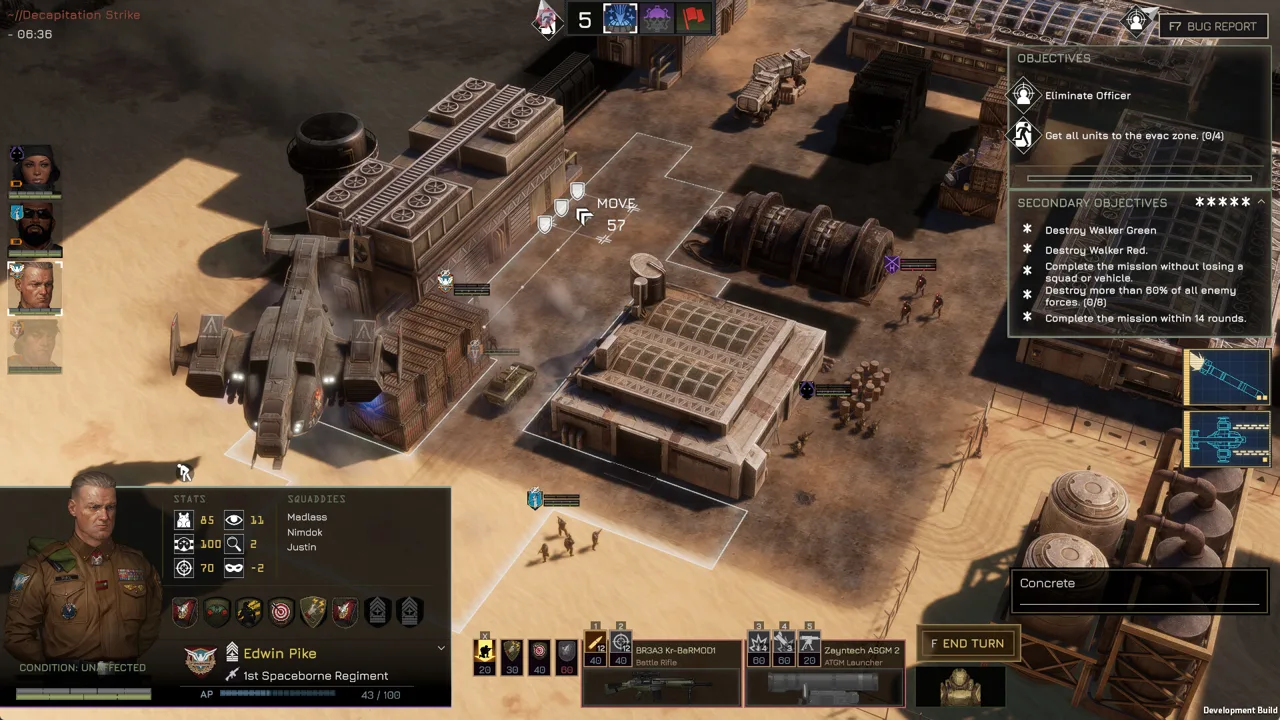 Image: Steam / Overhype Studios
You command squads represented by their leaders, with additional soldiers called squaddies making up those units. Equipment choices cover squad weapons, specialist weapons, armor, and accessories. Vehicles add another layer of firepower and supply costs.
Build Around the Mission’s Supply Budget
Before deploying, you have limited supplies for your force. Weapons, armor, additional squaddies, vehicles, and accessories all compete for that allowance.
Compare the cost of a vehicle with the infantry equipment you would sacrifice to field it. A tank adds substantial firepower, but its presence also changes what the rest of your force can afford.
Build your loadouts around specific jobs:
- Bring anti-armor equipment when preparing to engage vehicles.
- Check weapon ranges before assigning squads to close or distant positions.
- Review accessory costs alongside weapons and armor.
- Account for limited ammunition when choosing how to spend your attacks.
Ammunition management deserves particular attention. Weapons have limited uses during a mission, so repeated low-value shots can leave a specialist without ammunition when a more dangerous target appears.
Use Suppression to Control Enemy Options
Suppression affects movement and accuracy, and pinned units have sharply restricted options. These mechanics apply to your troops as well as the enemy.
Use suppressive fire to restrict a dangerous squad before committing another unit to an exposed advance. Consider whether controlling an enemy creates a safer opening than immediately trying to eliminate it.
Version 0.7.16 also introduced a -60% accuracy penalty for firing blindly onto a tile. Reassess speculative shots before spending ammunition, particularly when a weapon has few remaining uses.
Protect Leaders Across the Operation
Squad leaders have individual backgrounds, personalities, and promotion trees. Their equipment is customizable, and promotions let you develop their abilities.
Permadeath gives those investments weight. A leader falling during a mission does not automatically mean death, but a character who dies is permanently lost.
Check rescue-related equipment and perks when reviewing survivability. The Individual First Aid Kit added in version 0.7.16 increases a unit’s squaddie rescue chance by 25% and guarantees that one squaddie is rescued. Keep that benefit distinct from leader survival when planning your force.
MENACE Steam PC Requirements and Performance Fixes
The MENACE Steam PC requirements cover Windows hardware, with 8 GB of RAM and 15 GB of storage listed at both minimum and recommended levels. The recommended graphics hardware is substantially stronger than the minimum specification.
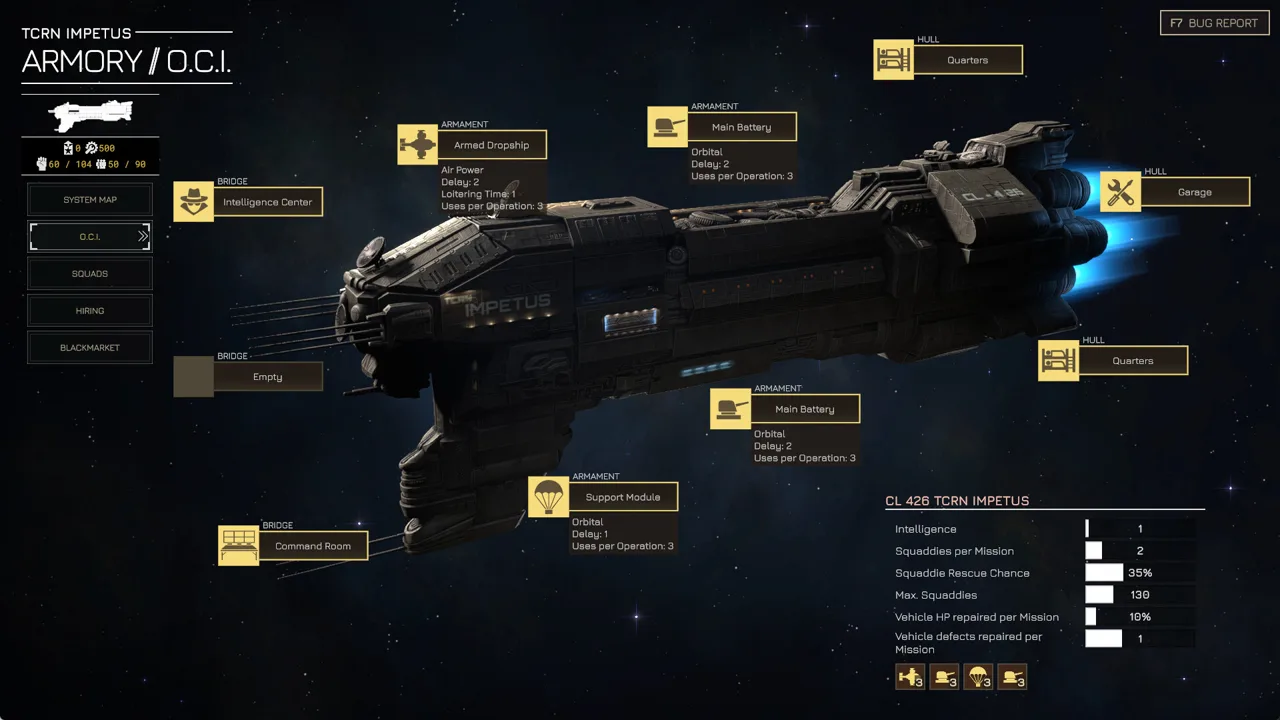 Image: Steam / Overhype Studios
| Component | Minimum | Recommended |
|---|---|---|
| Operating system | Windows 10, 64-bit | Windows 10, 64-bit |
| Processor | Intel Core i7-6700 or AMD Ryzen 5 1600 | Intel Core i5-8600K or AMD Ryzen 5 5600X |
| Memory | 8 GB RAM | 8 GB RAM |
| Graphics | NVIDIA GeForce GTX 1050, 2 GB, or AMD Radeon R9 380, 2 GB | NVIDIA GeForce RTX 2060 SUPER, 8 GB, or AMD Radeon RX 5700 XT, 8 GB |
| DirectX | Version 11 | Version 12 |
| Available storage | 15 GB | 15 GB |
| Additional storage guidance | — | SSD recommended |
Install on an SSD when possible. HDD installations have a known issue with long loading times and delayed character voice lines. Storage choice therefore affects more than the wait before a mission.
Hotfix #13, version 0.7.17, addresses performance drops by temporarily disabling Screen Space Global Illumination. That effect proved more demanding across various GPUs than expected and could also contribute to crashes.
For a returning MENACE Steam player, updating to version 0.7.17 should come before evaluating performance using an older installation.
| Problem | Action |
|---|---|
| Long loading times or delayed voice lines on an HDD | Install the game on an SSD |
| Fullscreen behaves incorrectly after minimizing | Use “Fullscreen Window” |
| Crashes associated with a high-refresh-rate display | Enable Vsync or reduce the frame rate to 60 FPS or lower |
| Performance drops addressed by Hotfix #13 | Update to version 0.7.17, which disables Screen Space Global Illumination |
A separate known issue involves antivirus software incorrectly flagging GameAssembly.dll and deleting it, preventing the game from running. The affected game files named in the workaround are GameAssembly.dll and Menace.exe.
These fixes address specific problems. Match the workaround to the symptom instead of changing several settings at once; that makes it easier to judge whether the change helped.
What the Latest MENACE Steam Updates Change
The recent MENACE Steam updates affect existing campaigns as well as new starts. Version 0.7.16 delivers the broad balancing overhaul, while version 0.7.17 follows with performance improvements and a change to Lim’s perks.
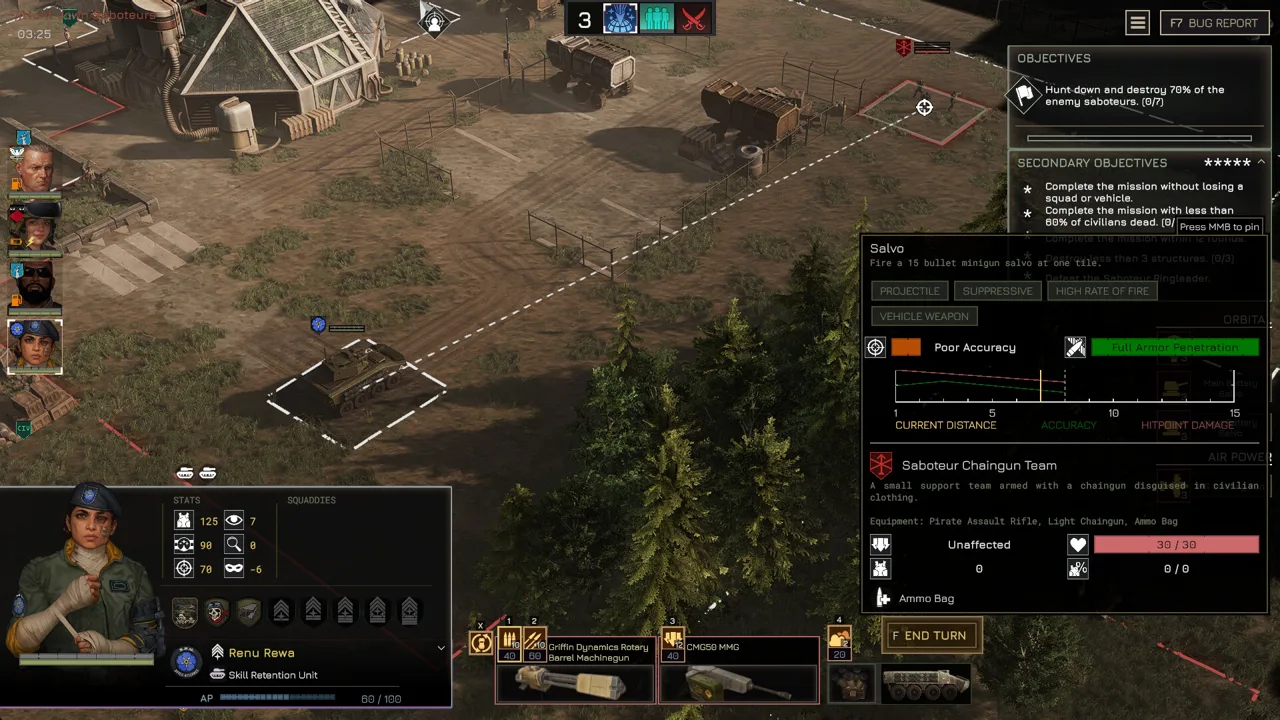 Image: Steam / Overhype Studios
Both versions support existing saves. However, save compatibility does not mean every promotion remains assigned.
| Change | Version | Effect |
|---|---|---|
| Broad promotion reset | 0.7.16 | All promotion points are refunded, requiring reassignment |
| Sprint perk added | 0.7.16 | Spend 40 AP to sprint up to five tiles, followed by the winded effect |
| Critical-hit armor penetration increased | 0.7.16 | Critical hits gain 50% increased armor penetration |
| Heat Sink vehicle accessory added | 0.7.16 | Maximum heat capacity increases by 50% |
| Ironman rules tightened | 0.7.16 | Quitting or closing during a mission aborts it |
| Lim regains Zig-Zag | 0.7.17 | Zig-Zag replaces Solid Grouping; Lim’s promotions are reset and refunded |
| Screen Space Global Illumination disabled | 0.7.17 | Addresses performance drops and potential crashes |
Reassign Promotions Before Deploying
Open your leaders’ promotion trees after updating an older campaign. Several perks changed, and some leaders received different options.
Take Aim now combines the former Standby and Take Aim perks. It delays the active unit’s turn and grants a 10% accuracy bonus plus a 30% critical-hit chance bonus.
Lim needs particular attention. Version 0.7.16 replaced his Zig Zag perk with Sprint, but version 0.7.17 restores Zig-Zag by replacing Solid Grouping. Review his current tree before recreating an older build.
Recheck Equipment Costs and Roles
The balancing overhaul changes enough equipment that familiar loadouts deserve another look. Some weapons gain damage or penetration, while others receive higher supply costs or reduced ammunition.
For example, the Kingpost M8 Mortar’s AP cost drops from 50 to 40, and its supply cost falls from 40 to 30. Its damage also rises from 15 to 40, alongside changes to scatter and other properties.
Recalculate a loadout after swapping equipment. Use the revised costs to compare alternatives instead of assuming a previous setup still uses the same supplies.
Respect the Revised Ironman Rules
In version 0.7.16, quitting or closing the game during an Ironman mission aborts that mission. The update also prevents reloading to reverse squad leaders being downed or killed during the mission.
Review those consequences before entering combat. Plan your deployment around accepting losses and mission outcomes under the revised rules.
MENACE’s Roadmap and Whether to Start Now
The MENACE Steam roadmap lays out substantial additions beyond the current balancing work. The remaining 2026 updates were presented in release order, with development timing kept flexible.
The balancing overhaul has already arrived in version 0.7.16. The next planned additions focus on characters, campaign pacing, and the main story.
| Roadmap item | Planned additions |
|---|---|
| Squad Leader Update #2 | One new squad leader and one new pilot |
| Extended Campaign option | Progression slowed to roughly half its current rate |
| Main Story Expansion #1 | Further story content, new Construct units, Level 2 Blueprints, and additional items |
| 2027 System Map update | Additional mechanics and interactions |
| Further 2027 development | Planet environments, missing planets and factions, more leaders, character interactions, and remaining story content |
The Extended Campaign option is aimed at players who want slower progression. Keep it separate from an endless mode: MENACE has an overarching threat and campaign structure, and an endless sandbox mode was not planned in the development FAQ.
Main Story Expansion #1 also has an important save consideration. Existing campaigns will remain playable, but some expansion content will require a fresh campaign.
Start now if managing supplies, experimenting with squad builds, and adapting to balance changes are the parts you want to explore. Wait for more story development if your priority is playing through the completed narrative.
For returning players, review the promotion resets and new Ironman behavior before continuing. Those changes can affect your next mission immediately, even when your save loads successfully.
FAQ
Is MENACE Steam the full release?
MENACE is in Steam Early Access. It launched into Early Access on February 5, 2026, and further story, character, and strategic additions remain on the roadmap.
Can you play MENACE offline or in co-op?
MENACE supports offline single-player play. Multiplayer and co-op campaigns were not planned in the development FAQ.
Do the latest MENACE updates work with existing saves?
Versions 0.7.16 and 0.7.17 support existing saves. Version 0.7.16 refunds all promotion points, while version 0.7.17 resets and refunds Lim’s promotions following his perk change.
What should you try if MENACE crashes on a high-refresh-rate monitor?
Enable Vsync or reduce the frame rate to 60 FPS or lower. Use version 0.7.17, which also disables Screen Space Global Illumination to address performance problems and potential crashes.
Continue with
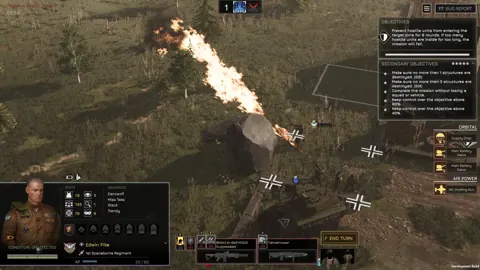 MENACE Xbox Guide: PC Release, Price, and Game PreviewSearching for MENACE Xbox details? Get the PC Game Preview release date, $39.99 price, supported features, and practical tips before you buy this game.
More in Platforms
MENACE PS5: PC Release Dates, Updates, and Roadmap
Looking for MENACE PS5 news? Get the PC Early Access release date, current update details, and development roadmap before planning your tactical campaign.
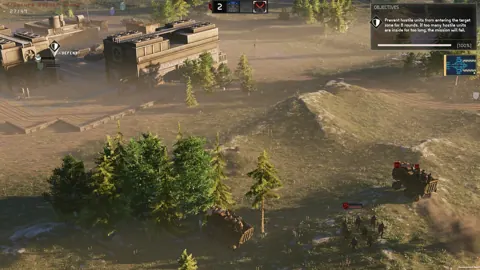
MENACE Steam Deck Guide: Settings, Controls, and FPS
Explore MENACE Steam Deck settings, controls, and performance, with tips for small text, combat frame drops, and recent Early Access performance updates.
Join the community
Official channels for news, updates and player help: