
Early access · Release date: February 5, 2026
UpdatedMENACE Vehicles: Chassis, Weapons, and Loadout Guide
Build better MENACE vehicles with chassis comparisons, weapon slot rules, transport tips, and updated tank, walker, mortar, and accessory stats for combat.
Jump to
How MENACE Vehicles Work
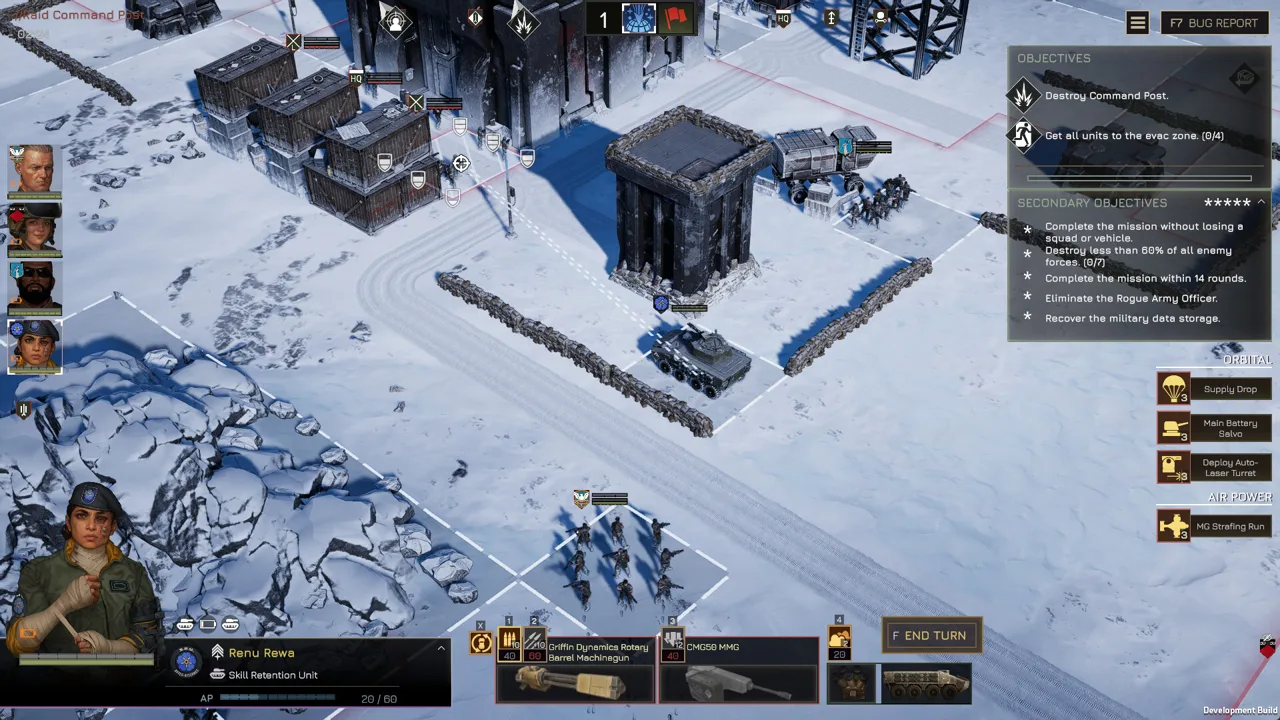
MENACE vehicles can carry your infantry into position or trade that transport capacity for heavy firepower. That choice matters before deployment: installing a heavy weapon removes a vehicle’s ability to transport troops. Build MENACE vehicles around the job your force needs, then match the chassis, weapon slots, accessories, and pilot perks to that job.
The system starts with a chassis. Each chassis supplies its own armor, hit points, and weapon slots, while the equipment you install determines its battlefield capabilities. A pilot needs an assigned vehicle before deploying.
Weapon size sets the boundaries of your loadout. Light, medium, and heavy weapons occupy different slots, with compatibility rules that let some slots accept smaller equipment. Medium walkers add another option by supporting matching weapons and a twin-fire skill.
This guide uses the vehicle rules introduced through Patch #10 and the balancing changes in v0.7.16, followed by Hotfix #13, v0.7.17. Those balance changes matter: several weapons became cheaper, the 120mm Mortar received substantial improvements, and twin-linked weapons lost their additional accuracy penalty.
Start with the mission’s requirements. Decide whether you need transportation, direct fire, anti-tank capability, reconnaissance, or indirect support before spending supplies on a chassis.
Official page: MENACE (menacegame.com)
Choose a Chassis Around Its Equipment and Mobility
The chassis determines which combinations your MENACE vehicles can field. Compare its slots and transport function alongside durability; armor alone cannot tell you whether it fits your plan.
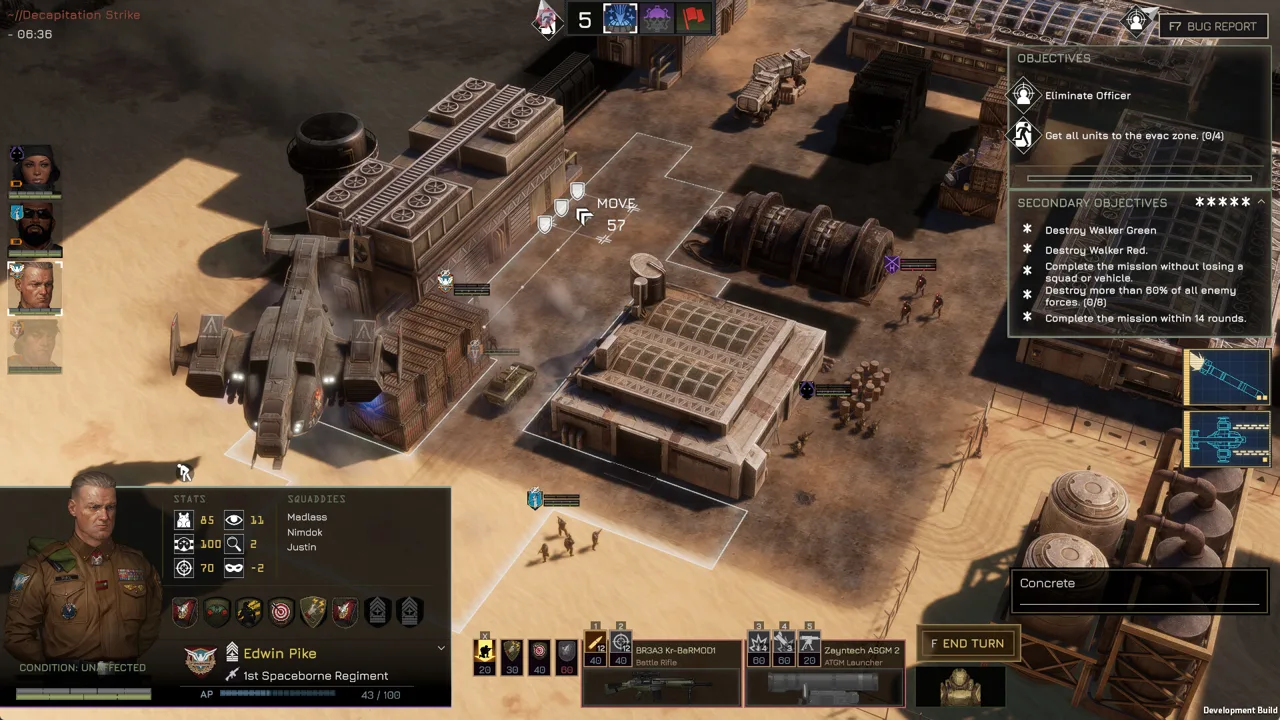 Image: Steam / Overhype Studios
| Chassis | Equipment or capability | Limitation to consider |
|---|---|---|
| Pirate Truck | A medium weapon slot supports equipment such as an ATGM or Ground Radar | Fragile protection demands careful positioning |
| ATV | A medium weapon slot and three accessory slots | Accessory flexibility comes on a light chassis |
| Light Carrier | A light slot, a heavy slot that accepts medium weapons, and squad transport capability | Installing a heavy weapon removes transport capacity |
| IFV | Combines squad transportation with a more durable chassis than the Light Carrier | Slower forward movement than the Light Carrier |
| Battle Tank | Supports heavy weapon selection on a durable chassis | Movement consumes more AP than lighter vehicles |
| Light Walker | Can deploy to improve accuracy | Competes with other light chassis for supplies |
| Medium Walker | Two medium weapon slots support mixed equipment or matching weapons | Its durability demands attention despite its substantial cost |
| Heavy Tank | Added alongside the Battle Tank in Patch #10 | Acquiring the chassis still requires loot or a black market opportunity |
The Battle Tank and Heavy Tank became obtainable through loot and the black market in Patch #10. Keep those acquisition routes in mind when planning purchases, but build around equipment already available to your force.
For transportation, inspect the finished loadout. A Light Carrier equipped with a medium weapon retains its transport function, while a heavy weapon converts it into a dedicated weapons platform.
Movement also deserves a separate check. Patch #10 reduced the Medium Walker’s movement cost from 20 to 16 AP per tile and increased the Light Carrier’s road movement cost from 8 to 10 AP per tile.
Preview movement before committing. Leave enough AP for the attack or support action you intend to use after repositioning. For a mortar platform, check both the firing position and the distance to likely targets.
Understand Weapon Slots and Build Around Current Stats
The weapon system gives MENACE vehicles considerable flexibility, but slot size still controls what fits.
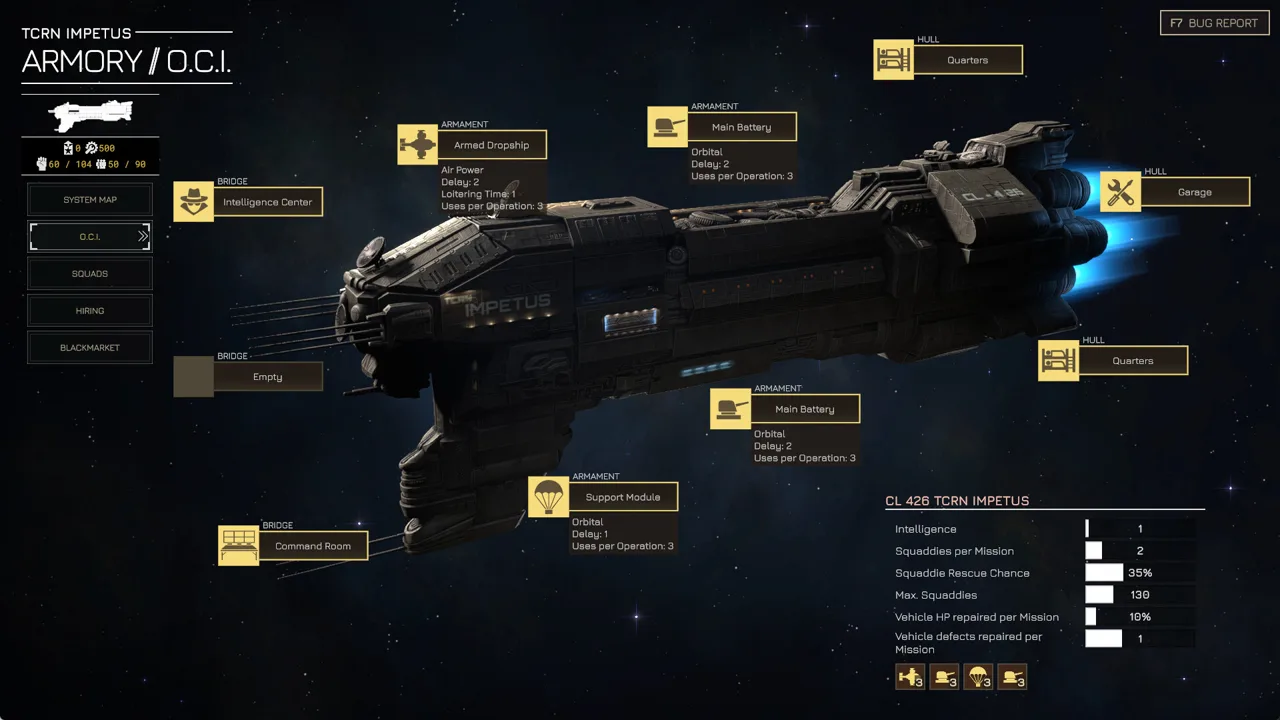 Image: Steam / Overhype Studios
| Weapon category | Equipment examples | Compatibility and loadout rules |
|---|---|---|
| Light | Machine guns, light flamethrowers, plasma rifles, Anti-Materiel Rifle “Crocodile” | Fits light slots; Patch #10 also allows light vehicle weapons in medium slots |
| Medium | Laser Lance, M6 CMG Heavy Machinegun, Rocket Launcher, AT-RGL | Fits medium slots; the Light Carrier’s heavy slot also accepts medium weapons |
| Heavy | Tank guns, 120mm Mortar, twin-linked machine guns | Requires a heavy slot and removes existing transport capacity |
The expanded compatibility changes older loadout restrictions. Light weapons can occupy medium slots as of Patch #10, including on chassis whose earlier configurations excluded them.
Matching weapons on a Medium Walker also work differently from a packaged twin-linked heavy weapon. The walker can equip two matching weapons in its medium slots and gain twin-fire. A twin-linked heavy weapon requires a heavy slot.
Choose the chassis before buying paired equipment. Keep the distinction between two medium weapons and one heavy twin-linked system clear when budgeting supplies.
Vehicle Weapon Changes Worth Building Around
Version 0.7.16 changed both performance and deployment costs across the arsenal.
| Weapon | v0.7.16 values or changes |
|---|---|
| Laser Lance | Supply cost reduced from 50 to 45; available at the black market |
| Ground Radar | Supply cost reduced from 45 to 30; trade value reduced from 60 to 40 |
| M6 CMG Heavy Machinegun | Accuracy penalty increased from -10 to -15; supply cost increased from 45 to 50 |
| Rocket Launcher | Supply cost reduced from 50 to 40; trade value reduced from 65 to 50 |
| AT-RGL | Supply cost reduced from 55 to 40 |
| Swarm Airburst Launcher | Damage increased from 12 to 20; armor damage increased from 30 to 35; supply cost reduced to 40 |
| Griffin Dynamics Rotary Barrel Machinegun | Ideal range increased to 4; Salvo costs 30 AP and Strafing costs 50 AP; supply cost reduced to 65 |
| Twin Griffin Dynamics Rotary Barrel Machinegun | Salvo increased to 40 repetitions and Strafing to 120; supply cost reduced from 140 to 110 |
| Long Barreled Tank Gun | Supply cost increased from 60 to 70 |
| 120mm Mortar | Range changed to 10–22; all fire modes cost 40 AP; ammunition increased to 14; supply cost reduced to 50 |
Recalculate old loadouts using these costs. The Rocket Launcher, AT-RGL, and Swarm Airburst Launcher now share a 40-supply weapon cost, but their different attack properties still demand different battlefield jobs.
For machine guns, account for the weapon’s own accuracy modifier. The removal of the additional twin-linked accuracy penalty in v0.7.16 does not erase every underlying weapon penalty.
The Short Barreled Tank Gun also changed substantially. Its attack now always hits, with a 25% chance to scatter up to one tile, and its elements-hit value increased from 1+40% to 2+40%. Allow room for that scatter when choosing targets.
Give the 120mm Mortar Enough Space
The updated mortar reaches farther, but its minimum range also increased from 8 to 10 tiles. Its maximum range rose from 16 to 22.
At the area-of-effect center, damage increased to 100, armor penetration to 100, and armor damage to 80. Scatter chance fell from 70% to 60%.
Position the mortar behind your advancing units and preserve space between it and approaching enemies. Keep another weapon available for threats inside its minimum range. Use its smoke ammunition when you need that support function, and account for scatter when planning damaging shots.
Match Accessories and Perks to the Vehicle’s Job
Accessories can change how MENACE vehicles spend AP, withstand damage, or manage heat. Version 0.7.16 added the Heatsink and adjusted several existing options.
 Image: Steam / Overhype Studios
| Accessory | Current effect or v0.7.16 change |
|---|---|
| Heatsink | Increases maximum heat capacity by 50% |
| Electromagnetic Armor | Damage reduction increased from 33% to 50%; supply cost reduced from 25 to 20 |
| Exploding Reactive Armor | Supply cost increased from 10 to 15 |
| Anti Personnel Mine Launchers | AP cost reduced to 10; uses increased to 3; trade value reduced to 35 |
| Canister Shot | AP cost reduced to 10; uses increased to 3; area of effect increased; trade value reduced to 25 |
Equip the Heatsink when additional heat capacity supports your weapon plan. Its stated benefit increases the heat ceiling; calculate your attacks around that extra capacity.
For defensive builds, remember that damage reduction is capped at 90%. Check the combined effects of your equipment and perks before committing more supplies to the same defensive goal.
Pilot perks deserve the same attention:
- Sharpshooter reduces enemy cover level by two and applies to special weapons and vehicle weapons.
- Hotwire lets the unit survive the first otherwise destructive hit with 10% hit points, alongside its existing effect.
- Take Aim delays the active unit’s turn and grants +10% accuracy and +30% critical hit chance.
- Steady Gun adds one maximum weapon range after remaining stationary for one round, alongside its existing effect.
Critical hits also gained 50% increased armor penetration in v0.7.16. Consider critical-hit bonuses alongside penetration when planning attacks against armor.
Reassign promotions after loading a campaign affected by the balancing update. It refunded promotion points and reset promotions; Hotfix #13 separately reset and refunded Lim’s perks and promotions while restoring Zig-Zag.
Prepare Your Vehicle Loadout Before Deployment
Build MENACE vehicles as part of the whole force. Give each vehicle a defined task, then check whether its equipment and movement leave it able to perform that task.
Use this preparation sequence:
- Assign the pilot and chassis. Deployment requires a vehicle assigned to the pilot.
- Check weapon compatibility. Confirm each weapon fits the intended slot, especially when buying matching weapons for a Medium Walker.
- Inspect transport capacity. Remove the heavy weapon if the vehicle must carry a squad.
- Recalculate supplies. Use the v0.7.16 costs for weapons and accessories.
- Review promotions. Assign refunded points before relying on perk interactions.
- Check range and movement together. Budget AP for reaching the firing position and using the selected weapon.
Keep Support Platforms Focused
Ground Radar occupies a weapon slot while providing reconnaissance. Put it on a platform whose intended job includes scanning, and keep the rest of your force equipped to act on the enemy positions it reveals.
For transported infantry, preserve the carrier’s transport function throughout preparation. Use the Light Carrier’s medium-weapon compatibility when you want mounted firepower alongside squad transportation.
For a Medium Walker, choose deliberately between two different weapons and a matching pair. Equip matching weapons when you want access to twin-fire; use different weapons when your plan calls for separate attack options.
Finally, account for the -60% accuracy penalty when firing blindly onto a tile, introduced in v0.7.16. Establish targets before committing accuracy-dependent attacks.
Spend supplies on MENACE vehicles that can reach their positions, use their equipment, and support the rest of the squad. Check those three things before adding another expensive weapon.
FAQ
Can MENACE vehicles transport infantry with heavy weapons equipped?
Equipping a heavy weapon removes a vehicle’s existing transport capacity. The Light Carrier can instead equip a medium weapon in its heavy slot while retaining transportation.
Can light vehicle weapons fit medium slots?
Yes. Patch #10 added compatibility between light vehicle weapons and medium slots. Heavy weapons still require heavy slots.
How do matching weapons work on the Medium Walker?
The Medium Walker has two medium weapon slots. Equipping two matching weapons grants a twin-fire skill. This differs from a combined twin-linked heavy weapon, which requires a heavy slot.
What changed for vehicle mortars in v0.7.16?
The 120mm Mortar’s range became 10–22 tiles, all fire modes dropped to 40 AP, ammunition increased to 14, and supply cost fell to 50. Its center-hit damage, penetration, and armor damage also increased, while scatter chance dropped to 60%.
Continue with
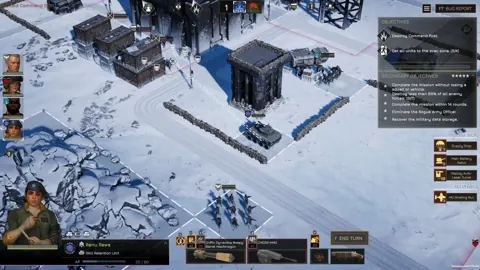 MENACE Heavy Tank Guide: Weapons, Gear, and TacticsBuild your MENACE heavy tank around the right weapons, supply costs, and accessories. Learn how to get it and keep armor fighting through tough missions.
More in Vehicles
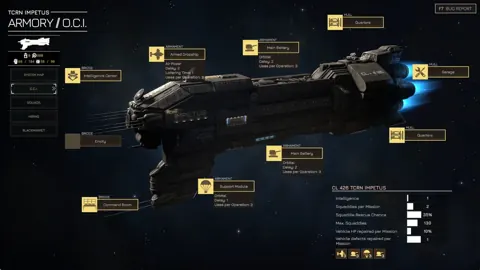
MENACE Heavy Walker Guide: Weapons, Slots, and Builds
Build your MENACE heavy walker loadout around weapon slots, linked fire, and current balance changes. Compare walker options and plan your next deployment.
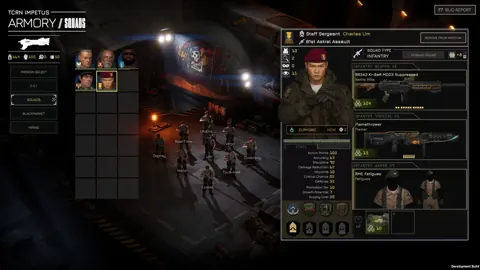
MENACE How to Repair Vehicle: Garage and Defect Guide
MENACE how to repair vehicle: learn how the Garage restores HP, removes defects, and keeps your armor ready between missions. Plan your next deployment.
MENACE Light Walker Guide: Supply Costs and Loadouts
Build your MENACE light walker around its supply cost, weapon choices, and ammo needs. Learn what changed and plan a loadout that leaves room for infantry.
Join the community
Official channels for news, updates and player help: