
Early access · Release date: February 5, 2026
UpdatedMENACE Perks Guide: Builds, Promotions, and New Changes
Choose MENACE perks for Lim, Pike, Tech, and Rewa with practical build tips, promotion advice, and key changes through the v0.7.17 update. Plan your squad.
Jump to
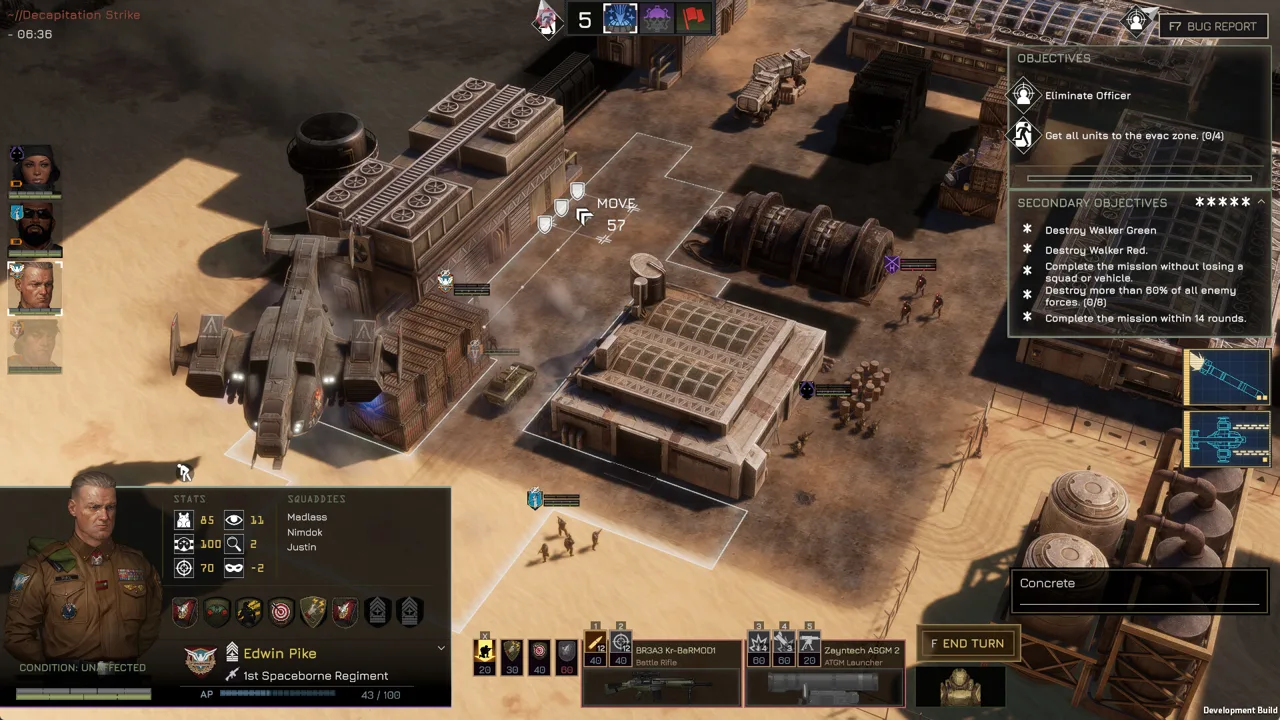
How MENACE Perks and Promotions Work
A powerful weapon means little when your squad is pinned down and unable to finish its push. MENACE perks give your leaders tools to recover momentum, improve accuracy, and turn movement into another attack. Choose MENACE perks around each character’s abilities and equipment so your promotion points solve problems you actually face.
This guide covers Early Access through v0.7.17, including the major perk adjustments in v0.7.16 and Lim’s subsequent Zig-Zag restoration.
Spend Promotion Points Deliberately
Promotions are player decisions rather than automatic rewards for accumulating experience. You earn promotion points through missions, bonus objectives, exceeding mission requirements, and events. Mission rewards remain valuable even when the larger operation ends in failure.
Each successive promotion for the same character costs more. Concentrating points on one leader therefore demands a larger investment than spreading promotions across your roster.
| Progression feature | How it works |
|---|---|
| Promotion points | Earned through missions and events, with higher mission ratings yielding more points |
| Promotion ranks | Range from 1, Lance Corporal, to 8, Master Gunnery Sergeant |
| Individual perk trees | Combine character-specific abilities with perks shared across multiple leaders |
| Higher perk tiers | Require a specified total number of perks, regardless of their tier |
| Demotion | Returns a small portion of promotion points and displeases the affected leader |
Bank points when no available perk solves an immediate problem. Before promoting, identify the limitation: too little mobility, unreliable shooting, insufficient accessory capacity, or trouble recovering from suppression.
Account for deployment costs, too. Promotions add supply costs through each leader’s promotion tax. Compare the resulting squad against the weapons, accessories, and additional units you want to field.
The v0.7.16 balance update refunded all promotion points and required promotions to be reassigned. Version 0.7.17 reset and refunded Lim’s perks and promotions again. Recheck your trees before deploying an existing campaign.
Build your MENACE perks around a complete combat role, including the weapon and accessories needed to support it.
Official page: MENACE (menacegame.com)
Lim: Build Around Movement and Close-Range Pressure
Lim’s MENACE perks support aggressive movement, close-range attacks, and recovery when suppression interrupts an advance. His starting Aspiring perk makes promotions cheaper, while Run and Gun reduces the AP cost of his next attack after moving.
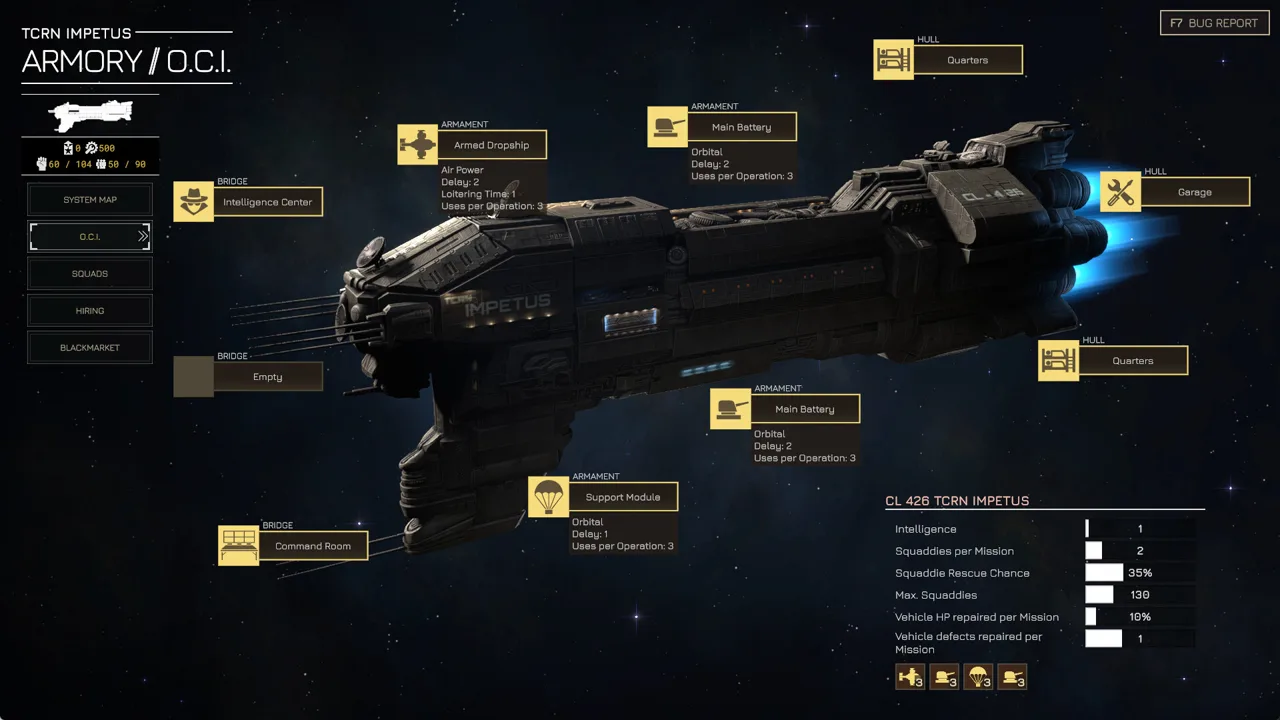 Image: Steam / Overhype Studios
Equip him for the distance you intend to fight at. SMGs and shotguns complement his close-quarters abilities; reserve AP for the attack and a response if the target survives.
| Lim perk | Effect |
|---|---|
| Aspiring | Reduces his promotion costs |
| Run and Gun | Reduces the next attack’s AP cost after movement |
| Return of Serve | Allows him to throw grenades back at an attacker |
| Blaze of Glory | Once per battle, removes suppression and restores AP lost to suppression |
| Berserk | Restores 30 AP after a kill |
| Counterstrike | Returns fire with the squad weapon when attacked |
Preserve AP for the Entire Engagement
Plan Lim’s move and attack together. Run and Gun rewards movement before firing, while Berserk can return AP after a kill. Check the remaining AP and firing cost before committing to another target.
Keep Blaze of Glory available for a suppression lock or a decisive push. Its recovery restores AP lost to suppression; it does not replace every point already spent moving and shooting.
Support the approach with smoke. Block enemy vision before crossing exposed ground, and leave AP available for the smoke grenade itself. Keep a supporting squad positioned to handle enemies outside Lim’s effective weapon range.
Update Older Lim Builds
Version 0.7.16 replaced Lim’s Zig Zag with Sprint. Version 0.7.17 restored Zig-Zag by replacing Solid Grouping, rather than removing Sprint.
Sprint costs 40 AP, moves the unit up to five tiles, and leaves it winded afterward. Compare that fixed cost with the movement you need before using it. Avoid spending the AP required for your follow-up attack simply to reach a closer tile.
Pike: Keep Other Squads Fighting
Pike’s MENACE perks focus on command support: transferring AP, improving nearby units, and recovering morale and suppression. Build his turns around the squad that needs help most urgently.
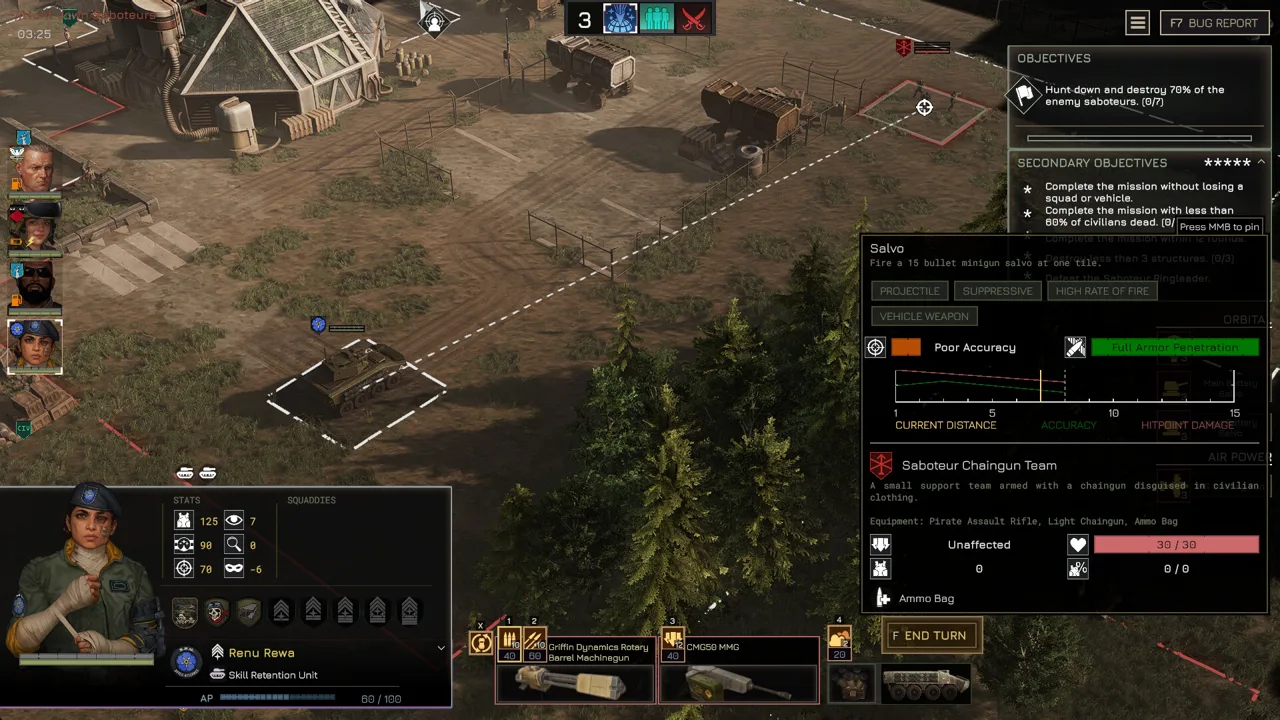 Image: Steam / Overhype Studios
His Take Command ability costs 60 AP and transfers 40 AP to an ally in range. An ally that has already acted becomes active again, opening another opportunity to shoot or move.
| Pike perk | Effect |
|---|---|
| Take Command | Spends 60 AP to transfer 40 AP to an ally and reactivate it if it already acted |
| Inspiring Presence | Improves accuracy and discipline for nearby units |
| Command: Rally | Raises a friendly unit’s morale and reduces its suppression |
| Stalwart | Its effect extends through a two-tile aura after v0.7.16 |
| Take Aim | Delays the active unit’s turn and grants +10% accuracy and +30% critical hit chance |
Choose the Ally Before Spending Pike’s AP
Use Take Command to finish a dangerous target or move an exposed ally into cover. Check what the receiving squad can accomplish with 40 AP before committing Pike’s 60.
Position Pike within support range while preserving cover. Inspiring Presence rewards proximity, but keep enough room for your assault squads to move and engage.
Time Rally around the enemies threatening its target. Let those enemies act before removing suppression when the situation permits. Otherwise, the recovering squad can be pinned again before putting that recovery to use.
Use Take Aim When Timing Helps
Version 0.7.16 merged Standby and Take Aim into the reworked Take Aim perk, and Pike received it in place of Standby.
Delay Pike’s activation when the accuracy and critical chance bonuses support a useful shot. Take the immediate action instead when another squad urgently needs command support.
Critical hits also gained 50% increased armor penetration in v0.7.16. Keep that change in mind when weighing a delayed attack against immediate utility.
Tech: Combine Mobile Special Weapons With Grenade Utility
Tech’s defining ability lets him use infantry special weapons without deployment. His MENACE perks also support durability, grenades, and accessories, giving you several ways to equip a frontline weapons squad.
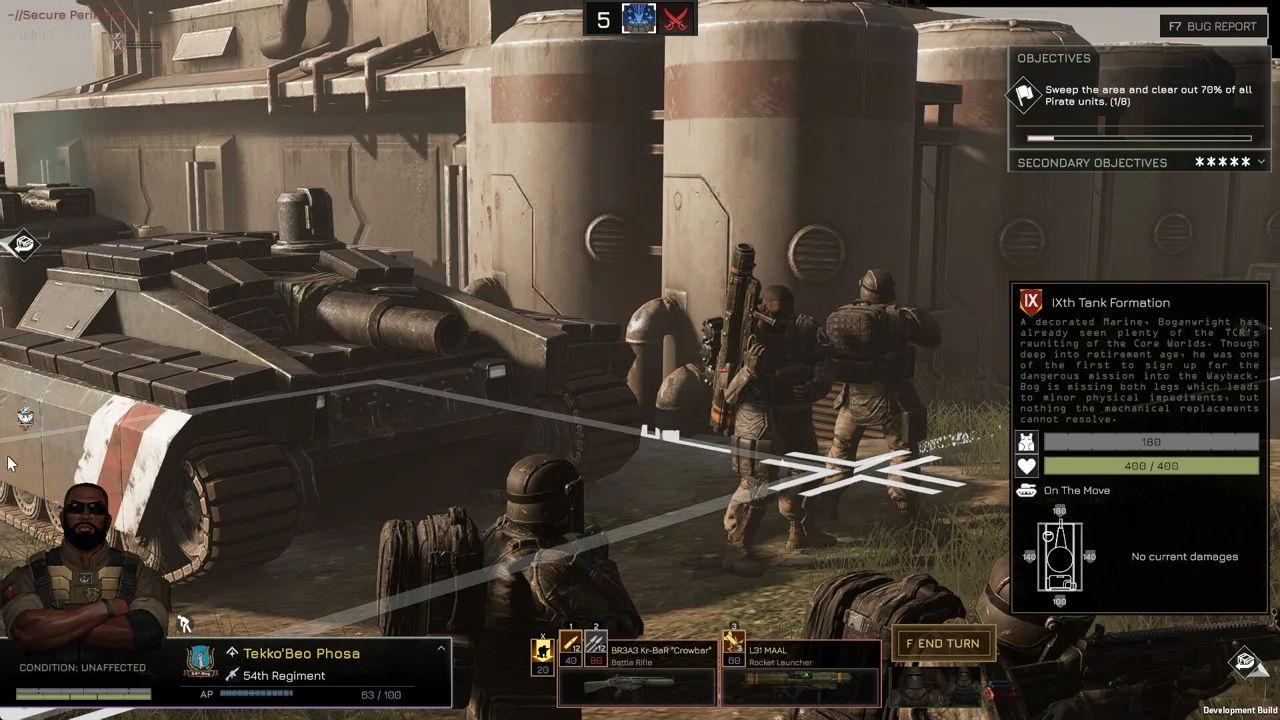 Image: Steam / Overhype Studios
Version 0.7.16 replaced Tech’s Demolitions Expert with Grenadier. That change matters when rebuilding his equipment alongside his refunded promotions.
| Perk | Effect or v0.7.16 change |
|---|---|
| Grenadier | Adds one use to all grenade accessories |
| Die Hard | Reduces incoming damage for the entire unit by 30% |
| Bags and Belts | Increases accessory slots |
Match Grenadier to the Accessories You Carry
Equip grenade accessories before relying on Grenadier’s additional uses. Leave room for utility alongside direct damage: smoke supports movement, while damaging grenades give you another way to engage entrenched enemies.
Grenade accuracy bonuses changed alongside the perk update. Fragmentation and incendiary grenades increased from 20 to 30, while thermite grenades increased from 0 to 10.
Thermite also rose to 45% maximum-hitpoint damage, 180 armor penetration, and 250 armor damage. Consider it when assigning close-range anti-armor equipment, then preserve the AP and positioning needed to use it.
Recalculate Tech’s Durability
Die Hard now grants 30% damage reduction to the whole unit, replacing its previous 90% reduction behavior. Build around the broader protection without treating Tech as invulnerable.
Damage reduction is capped at 90% after v0.7.16. Check defensive combinations against that ceiling before investing in another layer of protection.
Keep Tech’s special weapon supplied with ammunition. Use his ability to fire without deployment to reposition with the fight, then preserve enough AP to attack. Mobile firepower still needs a clear firing position, appropriate range, and support against threats the selected weapon cannot handle.
Rewa: Build Sustained Vehicle Firepower
Rewa’s MENACE perks emphasize aggressive vehicle combat. Her starting Revel in Slaughter improves her stats as enemy units die, while her unique abilities support run-over damage, armor destruction, and increased attack damage.
Match the vehicle’s weapon to those effects. Grind Down increases armor damage and works particularly well with lower-penetration weapons that deliver many repetitions. Use that relationship when choosing between a concentrated hit and sustained fire.
Balance Fury’s Damage Against Its Accuracy Cost
Fury permanently lowers Rewa’s accuracy while substantially increasing attack damage. Offset the accuracy loss with suitable perks or equipment, or favor weapons with many repetitions.
Avoid judging the damage bonus in isolation. Check the weapon’s accuracy, effective range, ammunition, and AP cost before committing to the combination. A vehicle that spends its resources on ineffective fire still leaves the rest of your force exposed.
Version 0.7.16 replaced Rewa’s Commando with Shooting gallery. Revisit older builds that relied on Commando’s concealment or isolated movement benefits.
Support the Weapon You Actually Deploy
Vehicle rotary weapons received changes that matter when planning Rewa’s turns:
- The Griffin Dynamics Rotary Barrel Machinegun’s Salvo cost fell from 40 to 30 AP.
- Its Strafing cost fell from 60 to 50 AP.
- Its ideal range increased from three to four tiles.
- The twin heavy version’s Salvo repetitions increased from 30 to 40.
- The twin version’s Strafing repetitions increased from 80 to 120.
Check the displayed AP cost before planning multiple attacks, and carry vehicle ammunition for sustained engagements. Keep her defensive needs in view when building around offensive perks.
MENACE perks work alongside these equipment changes. Reassess the entire loadout after a balance update rather than restoring an old selection automatically.
FAQ
How do you unlock MENACE perks?
Spend promotion points to promote squad leaders and pilots. Their individual trees contain passive perks and active abilities, with higher tiers requiring a specified total number of perks.
Why were my promotion points refunded?
Version 0.7.16 refunded all promotion points because numerous perks changed or were replaced. Version 0.7.17 separately reset and refunded Lim’s perks and promotions when Zig-Zag returned.
Does Lim still have Zig-Zag?
Yes. In v0.7.17, Zig-Zag replaced Solid Grouping in Lim’s tree. Sprint had replaced Zig Zag in v0.7.16; the later hotfix restored Zig-Zag through a different swap.
Does Sharpshooter affect ordinary squad weapons?
No. Following v0.7.16, Sharpshooter reduces enemy cover level by two but applies only to special weapons and vehicle weapons. Check the weapon category before assigning it.
Continue with
 MENACE Pike Build: Command, Rally, and Rifle SupportShape your MENACE pike build around Command, Rally, and rifle support. Learn how to time AP transfers, choose equipment, and keep assault squads fighting.
More in Builds
MENACE Jane Darby Build: Stealth, Skills, and Loadout
Optimize a MENACE Jane Darby build with suppressed rifles, scouting perks, and smart gear choices. Plan promotions and adapt to the v0.7.16 balance patch.
MENACE Jean Sy Build: Perks, Gear, and Loot Strategy
Optimize your MENACE Jean Sy build with loot-focused perks, grenade launchers, useful accessories, and updated balance tips for a cheaper, stronger squad.
MENACE Kody Build: Assault, Ambush, and Anti-Tank Tips
Build a MENACE kody build around Guerrilla, Assassin, and Vanguard. Pick weapons, manage suppression, and tailor Kody for assault or anti-tank missions.
MENACE Lim Build: Close-Range Perks, Gear, and Tactics
Make your MENACE Lim build hit harder with close-range weapons, AP-efficient perks, armor, and smoke. Plan your setup around the v0.7.17 Zig-Zag return.
Join the community
Official channels for news, updates and player help: