
Early access · Release date: February 5, 2026
UpdatedMENACE Pike Build: Command, Rally, and Rifle Support
Shape your MENACE pike build around Command, Rally, and rifle support. Learn how to time AP transfers, choose equipment, and keep assault squads fighting.
Jump to
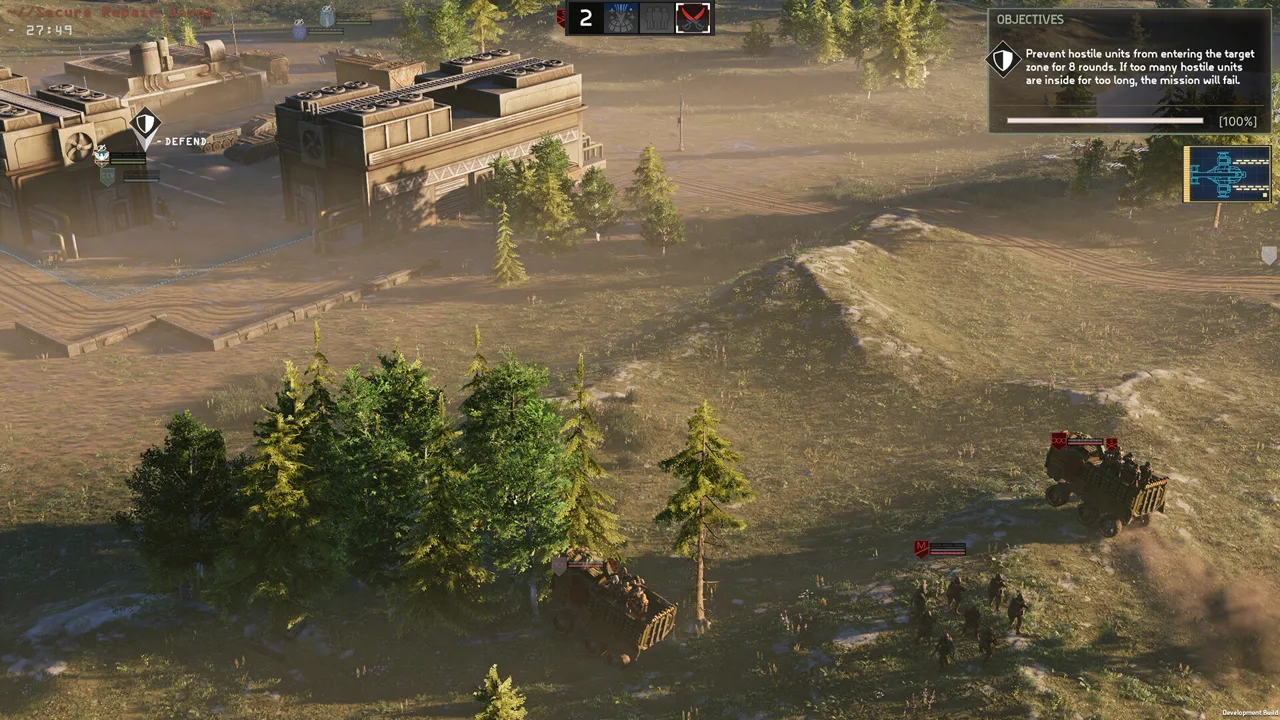
Command and Rally Support Build
A stalled assault can leave your hardest-hitting squad pinned down while the objective slips away. A MENACE pike build centered on Take Command and Rally gives you tools to restore momentum through extra action points and suppression recovery. Shape your MENACE pike build around the squad you need to keep fighting, then fit his rifle and accessories around that job.
Pike is a two-star infantry Squad Leader with strong starting attributes and low growth potential. His support kit covers action points, morale, accuracy, and suppression recovery, while his rifleman tools let him contribute directly to a firefight.
Start with his two defining support abilities:
| Build component | Effect or role |
|---|---|
| Take Command | Transfers 40 AP to another Squad Leader |
| Rally | Reduces suppression on the supported unit |
| Accuracy and morale support | Strengthens other squads |
| R10A6 K-PAC Assault Rifle | General-purpose squad weapon |
| Smoke Grenade | Blocks enemy vision for movement, recovery, or retreat |
Use Take Command to help another leader complete an immediate task. Before transferring AP, select the intended recipient and check the cost of the action you want them to perform. An extra 40 AP matters when it closes that gap; spending it without checking the remaining action budget wastes the opportunity.
Treat Rally as a timing decision. If enemies threatening your pinned squad still have turns remaining, wait for those enemies to act when the situation allows. Otherwise, the squad you just helped can immediately come under enough fire to become pinned again.
For a support-focused MENACE pike build, check three things before firing his rifle:
- Does another leader need AP to finish a critical action?
- Is suppression preventing a useful squad from acting effectively?
- Does someone need smoke before moving or attempting a rescue?
Take the rifle shot after resolving those needs. Pike's starting stats support direct combat, but his distinctive contribution is helping the rest of your force function.
Official page: MENACE (menacegame.com)
Assault Support Build for Lim and Kody
Pair Pike with an assault leader when you want to maintain pressure through close-range engagements. Keep him positioned to support the push, and let the dedicated attacker handle the dangerous approach.
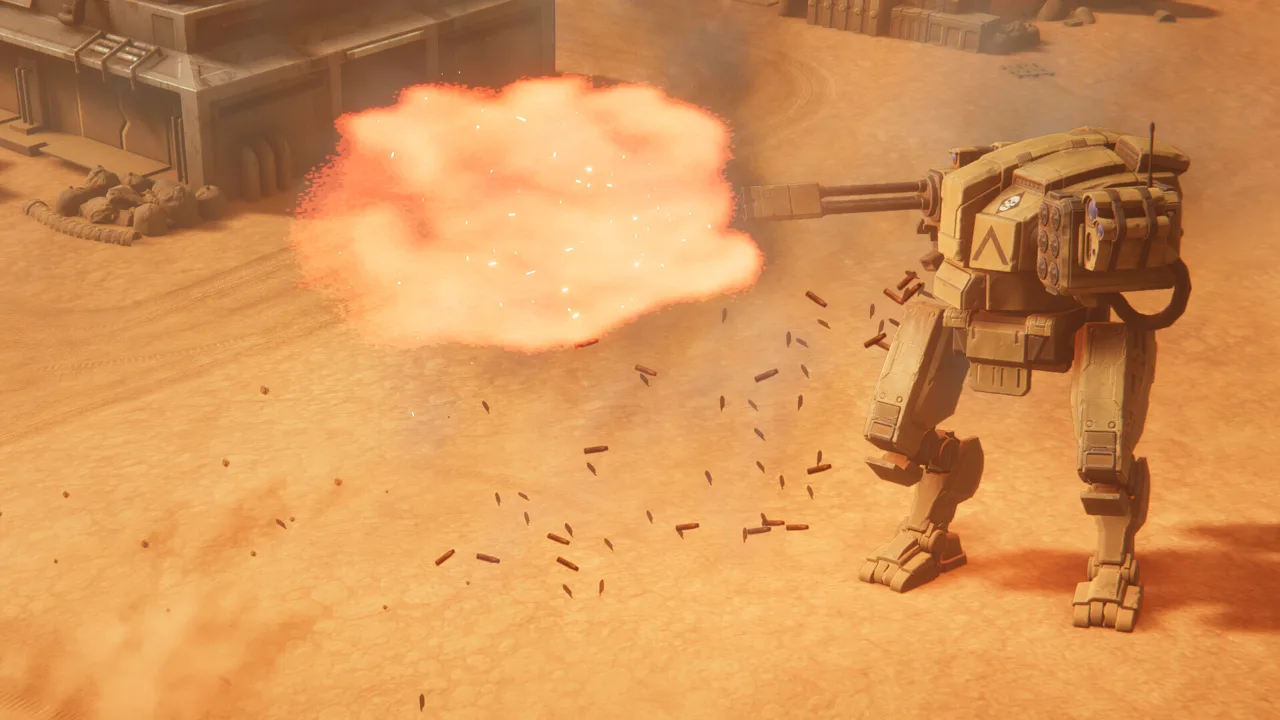 Image: Steam / Overhype Studios
Lim brings several tools for that role. Counterstrike returns squad-weapon fire when he is attacked, Berserk restores 30 AP after a kill, and Run & Gun reduces firing costs by 10 AP after movement. His kit supports aggressive fighting with SMGs and shotguns.
Kody offers a different offensive package. Guerrilla improves accuracy and damage against targets with high HP, while Assassin increases damage against isolated targets. Against Constructs, prioritize those damage conditions over morale pressure: Constructs do not suffer morale states.
| Build component | Mechanic | Tactical action |
|---|---|---|
| Take Command | Transfers 40 AP | Check whether the recipient can complete the next attack or movement |
| Rally | Relieves suppression | Time recovery around nearby enemy activations |
| Smoke Grenade | Removes enemy vision, with marked targets remaining vulnerable | Cover the approach or withdrawal |
| Lim's Berserk | Restores 30 AP after a kill | Recheck his available actions after the kill |
| Kody's Guerrilla and Assassin | Reward high-HP and isolated targets | Choose a target that meets those conditions |
Build this MENACE pike build around keeping the attacker useful throughout the engagement. Avoid sending Pike into the same exposed position merely to add another rifle.
Smoke deserves particular attention. It blocks enemy vision, but a marked unit can still be targeted through it. Check that distinction before using smoke as cover for an endangered squad.
For an approach through smoke, follow the basic sequence: throw smoke, enter it, and attack from it on the following turn. Preserve enough AP for the smoke action rather than committing everything to movement or shooting.
Once contact begins, choose Pike's response to the actual problem. Transfer AP when the attacker needs another action. Use Rally when suppression has stalled the push. Fire when the assault squad already has what it needs.
Keep separate anti-armor coverage available. Pike's support can help another leader act, but additional AP does not change a weapon's penetration or turn an unsuitable attack into an effective answer to heavy armor.
Rifle Support Build With Take Aim
Give Pike a capable rifle when you want him to support the force and contribute regular gunfire. His strong starting attributes make this a practical direction without requiring him to abandon Command and Rally.
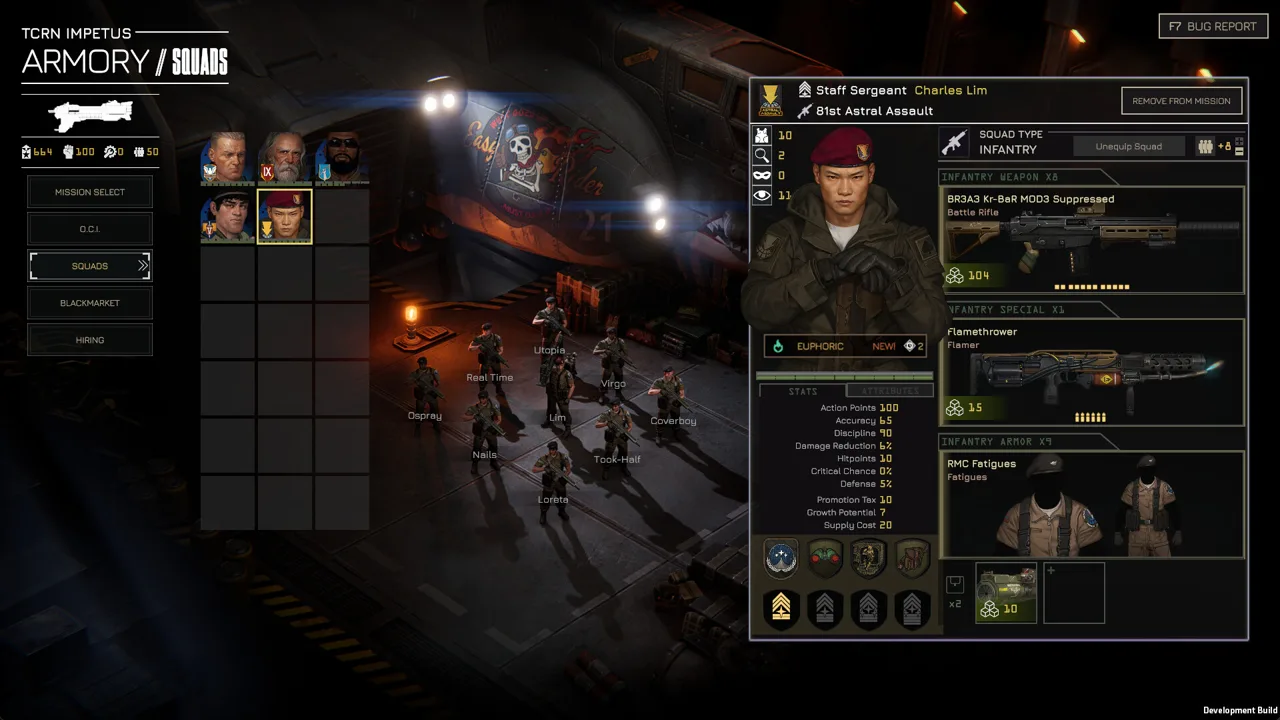 Image: Steam / Overhype Studios
The v0.7.16 balancing update replaced Pike's Standby perk with the reworked Take Aim. That perk delays the active unit's turn so it can act later, granting a 10% accuracy bonus and a 30% critical hit chance bonus.
Those bonuses belong to the active unit using Take Aim. Keep that separate from Pike's abilities that support other squads.
| Build component | Relevant details |
|---|---|
| Take Aim | Acts later with +10% accuracy and +30% critical hit chance |
| R10A6 K-PAC Assault Rifle | General-purpose rifle with higher penetration, suppression, and rate of fire than the starting carbine |
| R14A2 ARC Assault Rifle | Emphasizes HP and armor damage at shorter range; base penetration increased to 25 in v0.7.16 |
| BR3A3 Kr-BaR “Crowbar” | Longer-range battle rifle with strong damage per bullet |
| Match Grade ammunition | Improves accuracy and range |
| Armor Piercing ammunition | Helps against armor and penetration loss over distance |
Choose the rifle to match where Pike will stand. Equip the K-PAC for a general-purpose role, or use the ARC when you expect shorter engagements against armored infantry. With the Crowbar, maintain distance and keep another squad available to handle close threats.
Account for the Crowbar's current ammunition economy. In v0.7.16, its ammunition dropped from 12 to 10 and its supply cost increased from 9 to 11. Avoid planning extended exchanges around its older ammunition allowance.
Use Take Aim when acting later fits the encounter. Check immediate threats and support needs before delaying Pike. If another squad needs Rally now, or an enemy must be stopped before it acts, address that urgency first.
Critical hits also gained 50% increased armor penetration in v0.7.16. Keep the distinction clear: increased critical chance improves the chance of a critical hit, while penetration affects what that hit can defeat. Inspect the target and weapon matchup instead of assuming the bonus guarantees an armor kill.
For this MENACE pike build, upgrade away from the starting C1A2-SPC Carbine as resources permit. A looted Pirate Assault Rifle can serve as an early replacement; its higher rate of fire gives Pike more bullets to work with while you acquire other rifles.
Avoid equipping an expensive special weapon simply because one is available. Keep his support actions central, and spend on additional firepower when you intend to use it.
Defensive Support Build and Campaign Equipment
Use Pike's support tools on defensive or relatively static missions, where your squads can establish positions and fight around planned lanes. Keep him near the units you intend to sustain, with cover and a route to reposition.
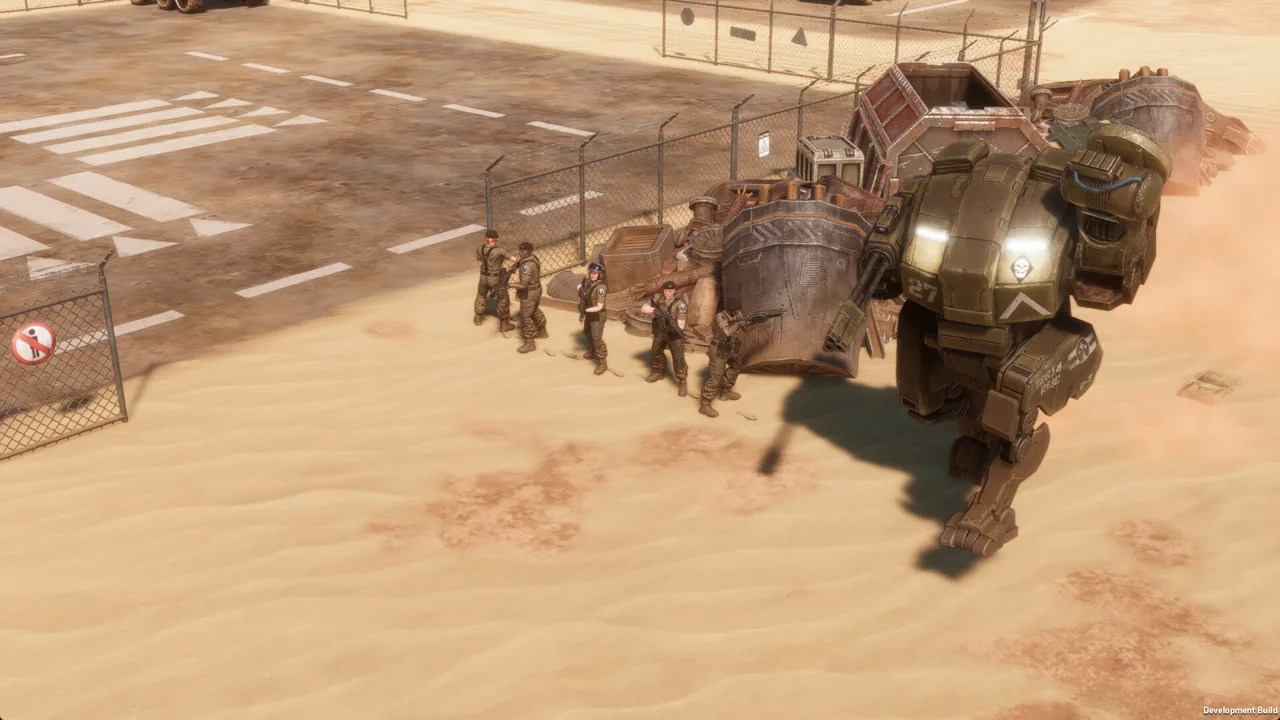 Image: Steam / Overhype Studios
A defensive MENACE pike build still needs mobility. Suppression, changing enemy approaches, and threatened positions can force you to move even when the objective stays in one place.
| Equipment or trait | Current effect or consideration |
|---|---|
| Smoke Grenade | Blocks enemy vision; supply cost increased to 15 in v0.7.16 |
| WARD - Wearable Advanced Resolve Device | Grants +2 detection and a discipline bonus of 20; supply cost is 15 |
| IFAK - ‘First Aid’ infantry accessory | Increases squaddie rescue chance by 25%; one squaddie is always rescued |
| Ammo Pouches | Extend ammunition endurance |
| Benzofinil Tablets | Remove the exhausted emotional state while equipped and add 2 growth potential |
| Pike's growth potential | Low despite strong starting attributes |
Choose accessories around the problem your deployment needs to solve. Bring ammunition support for sustained rifle exchanges. Consider WARD when you want its detection and discipline benefits. Carry smoke for a threatened position, a retreat, or a rescue attempt.
Keep the IFAK's role specific. Its rescue benefit concerns squaddies; do not use it as a reason to expose Pike or assume his Squad Leader is protected from a fatal outcome.
Benzofinil Tablets address exhaustion while equipped and increase growth potential by 2. Consider them when those benefits fit your campaign needs, but preserve room in the loadout for the equipment required by the mission.
Watch promotion costs as well as equipment costs. Promotions add supply through a leader's promotion tax. Bank promotion points when nothing currently available is urgent, rather than increasing deployment cost for a perk you rarely use.
For existing campaigns, v0.7.16 refunded promotion points and required promotions to be assigned again. Review Pike's selections before deploying, especially if your previous setup used Standby. Hotfix v0.7.17 changed Lim's perks again by restoring Zig-Zag; Pike's Take Aim replacement remains the relevant change for this build.
During a defensive engagement, check the battlefield in this order:
- Identify which friendly unit is being prevented from doing its job.
- Check whether suppression recovery or an AP transfer solves that problem.
- Inspect enemy activations before using Rally.
- Preserve smoke for a position that needs cover.
- Use Pike's rifle once immediate support needs are handled.
Finish your MENACE pike build by checking the whole deployment. Cover close-range threats, bring an answer to armor, and make sure your support spending leaves enough firepower on the field. Pike can strengthen a capable force; equip the rest of that force to capitalize on his help.
FAQ
What should a MENACE pike build prioritize?
Prioritize Take Command and Rally for support. Take Command transfers 40 AP to another Squad Leader, while Rally relieves suppression. Equip a rifle that suits Pike's position, then choose accessories around the mission's ammunition, smoke, or recovery needs.
Does Pike still have Standby?
In v0.7.16, Pike's Standby was replaced by the reworked Take Aim. Take Aim lets the active unit act later with a 10% accuracy bonus and a 30% critical hit chance bonus. Reassign his refunded promotions before deploying an updated existing campaign.
When should Pike use Rally?
Use Rally to recover suppression when a squad needs to resume effective action. When possible, wait until nearby enemies threatening that squad have acted, reducing the risk that it becomes pinned again immediately.
Can a MENACE pike build work as a rifleman?
Yes. Pike has strong starting attributes and tools for rifle combat alongside his support kit. Use a K-PAC for general-purpose fighting, an ARC for shorter engagements, or a Crowbar for longer-range fire. Preserve the AP you need for support before committing to attacks.
Continue with
 MENACE Yaz Build: Perks, Weapons, and Assault TacticsBuild a stronger MENACE Yaz build with Fearsome, Berserk, mobile infantry tactics, weapon picks, and smoke support. Break enemy morale and keep advancing.
More in Builds
MENACE Jane Darby Build: Stealth, Skills, and Loadout
Optimize a MENACE Jane Darby build with suppressed rifles, scouting perks, and smart gear choices. Plan promotions and adapt to the v0.7.16 balance patch.
MENACE Jean Sy Build: Perks, Gear, and Loot Strategy
Optimize your MENACE Jean Sy build with loot-focused perks, grenade launchers, useful accessories, and updated balance tips for a cheaper, stronger squad.
MENACE Kody Build: Assault, Ambush, and Anti-Tank Tips
Build a MENACE kody build around Guerrilla, Assassin, and Vanguard. Pick weapons, manage suppression, and tailor Kody for assault or anti-tank missions.
MENACE Lim Build: Close-Range Perks, Gear, and Tactics
Make your MENACE Lim build hit harder with close-range weapons, AP-efficient perks, armor, and smoke. Plan your setup around the v0.7.17 Zig-Zag return.
Join the community
Official channels for news, updates and player help: