
Early access · Release date: February 5, 2026
UpdatedMENACE Heavy Tank Guide: Weapons, Gear, and Tactics
Build your MENACE heavy tank around the right weapons, supply costs, and accessories. Learn how to get it and keep armor fighting through tough missions.
Jump to
How to Get the MENACE Heavy Tank
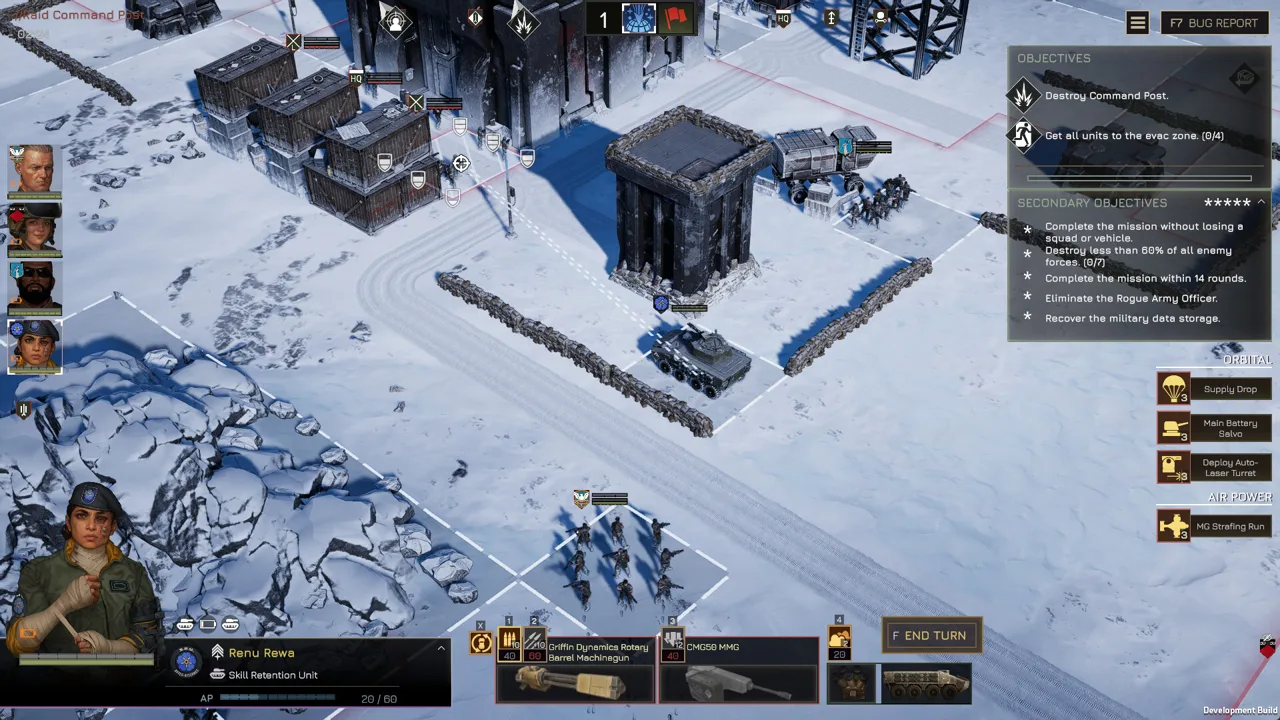
The MENACE heavy tank brings Marine armor into your force through loot and the black market. Getting one matters because your vehicle lineup determines how you spend limited supplies and tackle enemy hardware. Build your MENACE heavy tank around a clear battlefield job, then support it with infantry that can handle the threats your weapons leave standing.
The Heavy Tank arrived alongside the Battle Tank in Patch #10, v0.7.3+18395. They are separate chassis, and that update made both obtainable through loot and the black market. Patch #10 also worked with existing saves, so acquiring the new armor did not require restarting your campaign.
| Heavy Tank detail | What to know |
|---|---|
| Introduction | Patch #10, v0.7.3+18395 |
| Acquisition | Loot and the black market |
| Marine vehicle additions | Heavy Tank and Battle Tank |
| Existing campaigns | Patch #10 supported existing saves |
Check black market stock and examine your loot before committing to another vehicle purchase. Keep enough flexibility in your supplies to equip the chassis once you acquire it: owning armor and fielding an effective weapon package are separate decisions.
MENACE uses modular vehicle equipment. A chassis provides characteristics such as armor, hit points, and weapon slots; those slots determine which weapon combinations it can carry. Match equipment to the actual slot sizes before planning the rest of your force.
For a MENACE heavy tank, start with the enemy you need it to defeat. Separate anti-vehicle firepower, infantry suppression, and ammunition endurance when weighing equipment. Avoid spending your entire vehicle budget on overlapping weapons while leaving another battlefield threat unanswered.
Official page: MENACE (menacegame.com)
Choose Weapons Around the Current Balance Changes
Tank cannons, heavy mortars, and twin-linked weapon variants belong to the heavy vehicle weapon category. Medium weapons include options such as the Laser Lance, Rocket Launcher, and Heavy Flamethrower. Light vehicle weapons include infantry-style support weapons.
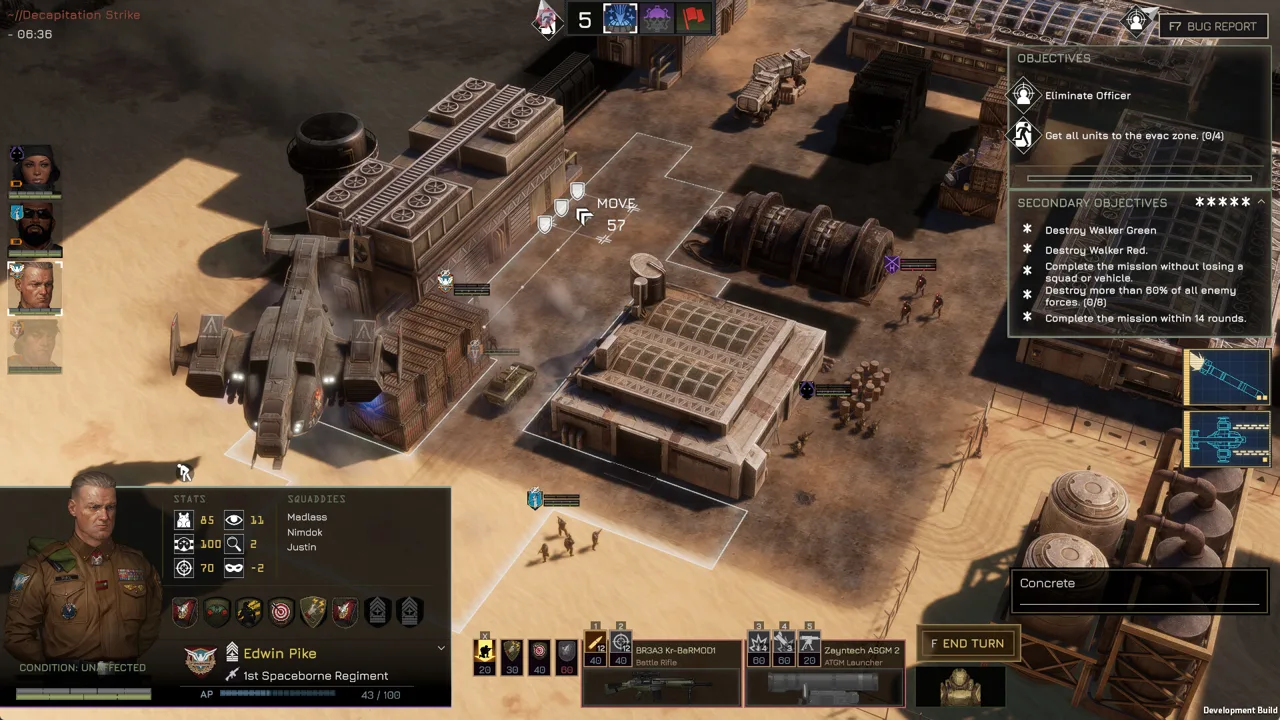 Image: Steam / Overhype Studios
Patch #10 expanded compatibility by allowing light vehicle weapons in medium slots. Keep that change in mind when comparing builds with older equipment advice.
The v0.7.16 balancing update changed several weapons relevant to armored forces:
| Weapon or weapon group | v0.7.16 change |
|---|---|
| Long Barreled Tank Gun | Trade value increased from 80 to 90; supply cost increased from 60 to 70 |
| Short Barreled Tank Gun | Elements hit increased from 1+40% to 2+40%; attacks always hit, with a 25% chance to scatter up to one tile |
| Twin Griffin Dynamics Rotary Barrel Machinegun | Salvo costs 30 AP with 40 repetitions; Strafing costs 50 AP with 120 repetitions |
| Twin Heavy MG | Supply cost reduced from 90 to 80 |
| Twin-linked weapons | Additional accuracy penalty removed |
| 120mm Mortar | Range changed to 10–22 tiles; all fire modes cost 40 AP; ammunition increased to 14 |
Budget for the Long Barreled Tank Gun
The Long Barreled Tank Gun features in late-game armored builds, but its increased supply cost changes the commitment. Budget 70 supply for the weapon, then account for the chassis and remaining equipment.
Pair an anti-hardware main weapon with infantry suppression where compatible. A grenade launcher can damage poorly armored squads and suppress tougher infantry, giving your force another way to manage targets that do not need a tank cannon shot.
Avoid choosing a weapon solely because its individual cost looks manageable. Add the complete deployment package before cutting supporting squads.
Respect the Short Barreled Tank Gun’s Scatter
The Short Barreled Tank Gun now always produces a hit, but its 25% scatter chance means the impact can land up to one tile from your selected location.
Allow space around friendly units when choosing the target tile. Use its increased elements-hit value when evaluating attacks against infantry, while accounting for the possible displacement.
For your MENACE heavy tank, distinguish a reliable impact from an exact impact. Plan around the scatter area rather than assuming the selected tile will always take the hit.
Reconsider Heavy Mortar Support
The 120mm Mortar received substantial changes beyond its range and ammunition. At the center of its area of effect, damage increased to 100, armor penetration to 100, and armor damage to 80. Its scatter chance decreased from 70% to 60%.
Keep mortar platforms behind the direct-fire battle and respect the 10-tile minimum range. Compare the current mortar with rocket artillery using these updated values.
Equip Accessories for Ammo, Heat, and Protection
Build your MENACE heavy tank accessory package around what interrupts its work. A conventional gun needs ammunition endurance. The Laser Lance does not require ammunition. Compare protective effects, detection benefits, and listed supply costs when choosing accessories.
| Accessory | Supported effect or balance change |
|---|---|
| Vehicle ammo case | Adds ammunition support for vehicle weapons |
| Advanced sensors | Improves view and detection range |
| Camo net | Increases concealment |
| Heatsink | Increases maximum heat capacity by 50% |
| Electromagnetic Armor | Damage reduction increased to 50%; supply cost reduced to 20 |
| Canister Shot | Costs 10 AP; three uses; increased area of effect |
| Anti Personnel Mine Launchers | Costs 10 AP; three uses |
| Exploding Reactive Armor | Supply cost increased to 15 |
Prioritize the vehicle ammo case when ammunition limits your conventional weapons. Extend the usefulness of the guns you already paid to deploy before adding another attack option.
Compare ammunition support and increased heat capacity as separate accessory benefits. The Laser Lance does not require ammunition, and the Heatsink expands maximum heat capacity by 50%. Evaluate that extra capacity against your other accessory needs.
Revisit defensive equipment after v0.7.16. Electromagnetic Armor received stronger damage reduction and a lower supply cost, while Canister Shot and Anti Personnel Mine Launchers became cheaper to activate and gained additional uses.
Choose close-range accessories deliberately. Canister Shot provides an option against nearby infantry, but keep infantry support involved rather than advancing solely to use an accessory.
Also account for the 90% damage-reduction cap introduced in v0.7.16. Evaluate defensive combinations within that limit instead of assuming every additional bonus can keep increasing protection.
Use Your Heavy Tank Without Overextending
A MENACE heavy tank still needs support against enemies carrying anti-tank weapons. Prioritize those threats before chasing infantry that poses less danger to your armor.
 Image: Steam / Overhype Studios
Use this sequence to organize an engagement:
- Identify enemy anti-tank units. Look for vehicles and infantry with weapons capable of threatening your armor.
- Assign your anti-hardware attacks. Focus the relevant weapons on those threats before spending them elsewhere.
- Suppress supporting infantry. Use machine guns or grenade launchers to reduce pressure from enemy squads.
- Advance with infantry support. Keep your squads involved as the vehicle moves forward.
- Review ammunition and heat. Plan the next engagement around the resources remaining.
Keep each weapon working on an appropriate target. Use suppression weapons to control infantry while your anti-vehicle firepower handles hostile hardware. Avoid spending scarce ammunition on a target another squad can finish.
Plan Movement Before Spending AP
Movement consumes the same action-point budget you need for attacks. MENACE’s v0.7.16 update established a minimum movement cost of 4 AP per tile.
Check the movement cost shown when hovering over a destination. Compare the destination with the attack you want afterward, then shorten the move if it would consume the action points needed to fire.
Keep your MENACE heavy tank within reach of its supporting force. Overextending can expose the vehicle to anti-tank infantry before your other units can deal with them.
Avoid Wasteful Blind Fire
Firing blindly onto a tile carries a -60% accuracy penalty in v0.7.16.
Establish visibility before spending an important direct-fire attack whenever possible. Use detection equipment and supporting units to help locate threats, then commit the weapon suited to the target.
For an ATGM support platform, use a target designator or a target-marking perk. Marked targets can be attacked indirectly even after moving out of sight, provided they remain within the weapon’s range.
Reassign Promotions After the Balance Update
The v0.7.16 update refunded promotion points and required promotions to be assigned again. Revisit your leaders before deploying an existing campaign.
Check perks that interact with your vehicle role. Sharpshooter now reduces enemy cover level by two for special weapons and vehicle weapons. Hotwire lets its unit survive the first otherwise-destroying event with 10% hit points, alongside its existing effect.
Build a Supporting Force Around the Tank
Avoid making your MENACE heavy tank responsible for transportation, suppression, anti-armor attacks, and artillery at the same time. Distribute those jobs across your available vehicles and infantry.
| Supporting platform | Loadout or mechanic |
|---|---|
| Troop carrier | Machine gun and embarked infantry with Mobile Infantry |
| Troop carrier with medium weapon | Laser Lance allows the carrier to retain troop transport |
| Light walker | ATGM paired with target designation or marking |
| Medium walker | Two matching medium weapons provide a twin-fire skill |
| Pirate rocket platform | Rocket Organ delivers a wide-area volley for suppression |
Use a troop carrier and Mobile Infantry squad to bring infantry into the fight. Suppress an enemy squad with the carrier’s machine gun, then unload infantry to finish the engagement.
Keep the transport tradeoff visible when changing equipment. Equipping a heavy weapon removes a vehicle’s transport capacity if it has any. A carrier fitted with a tank cannon therefore changes jobs. Medium weapons, including the Laser Lance, preserve the carrier’s transport role.
Give a light walker carrying an ATGM room to operate behind the front line. Pair it with target marking, and assign infantry protection elsewhere in the force.
For a medium walker, compare matching weapons with mixed equipment. Two matching medium weapons unlock twin fire; dual autocannons offer attacks against infantry and vehicles, while laser and rocket combinations provide other ways to concentrate firepower.
Before deploying, check the complete force:
- Assign an answer to enemy anti-tank infantry.
- Account for the heavy tank’s weapon supply costs.
- Equip ammunition or heat support around the selected weapons.
- Preserve transport capacity where your infantry plan requires it.
- Reassign refunded promotions.
Build the supporting force around those requirements, then spend remaining supplies on additional capabilities.
FAQ
How do you get the MENACE heavy tank?
Acquire the Heavy Tank through loot or the black market. It entered the game alongside the Battle Tank in Patch #10, v0.7.3+18395.
Are the Heavy Tank and Battle Tank separate vehicles?
Yes. Patch #10 introduced the Heavy Tank and Battle Tank as separate vehicle additions.
Does putting a tank cannon on a carrier remove troop transport?
Yes. Heavy weapons remove transport capacity from vehicles that have it. Tank cannons are heavy weapons; the Laser Lance is a medium weapon and preserves a carrier’s transport capability.
What changed for tank equipment in v0.7.16?
The Long Barreled Tank Gun became more expensive, the Short Barreled Tank Gun gained additional elements hit and revised scatter behavior, and twin-linked weapons lost their additional accuracy penalty. The update also improved the 120mm Mortar, added the Heatsink, and adjusted several vehicle accessories.
Continue with
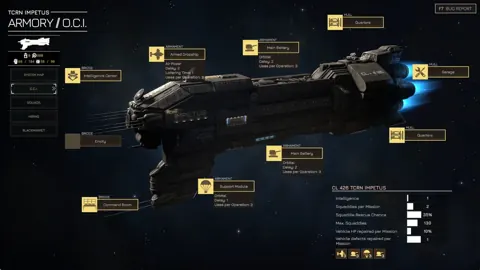 MENACE Heavy Walker Guide: Weapons, Slots, and BuildsBuild your MENACE heavy walker loadout around weapon slots, linked fire, and current balance changes. Compare walker options and plan your next deployment.
More in Vehicles
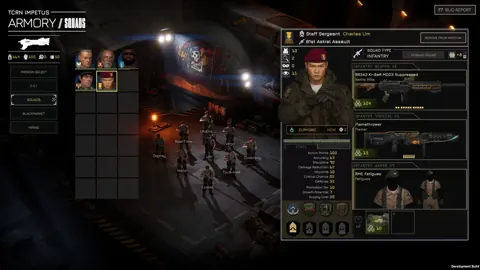
MENACE How to Repair Vehicle: Garage and Defect Guide
MENACE how to repair vehicle: learn how the Garage restores HP, removes defects, and keeps your armor ready between missions. Plan your next deployment.
MENACE Light Walker Guide: Supply Costs and Loadouts
Build your MENACE light walker around its supply cost, weapon choices, and ammo needs. Learn what changed and plan a loadout that leaves room for infantry.
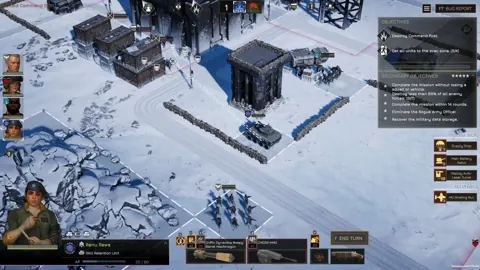
MENACE Vehicles: Chassis, Weapons, and Loadout Guide
Build better MENACE vehicles with chassis comparisons, weapon slot rules, transport tips, and updated tank, walker, mortar, and accessory stats for combat.
Join the community
Official channels for news, updates and player help: