
Early access · Release date: February 5, 2026
UpdatedMENACE Light Walker Guide: Supply Costs and Loadouts
Build your MENACE light walker around its supply cost, weapon choices, and ammo needs. Learn what changed and plan a loadout that leaves room for infantry.
Jump to
MENACE Light Walker: Cost and Loadout Basics
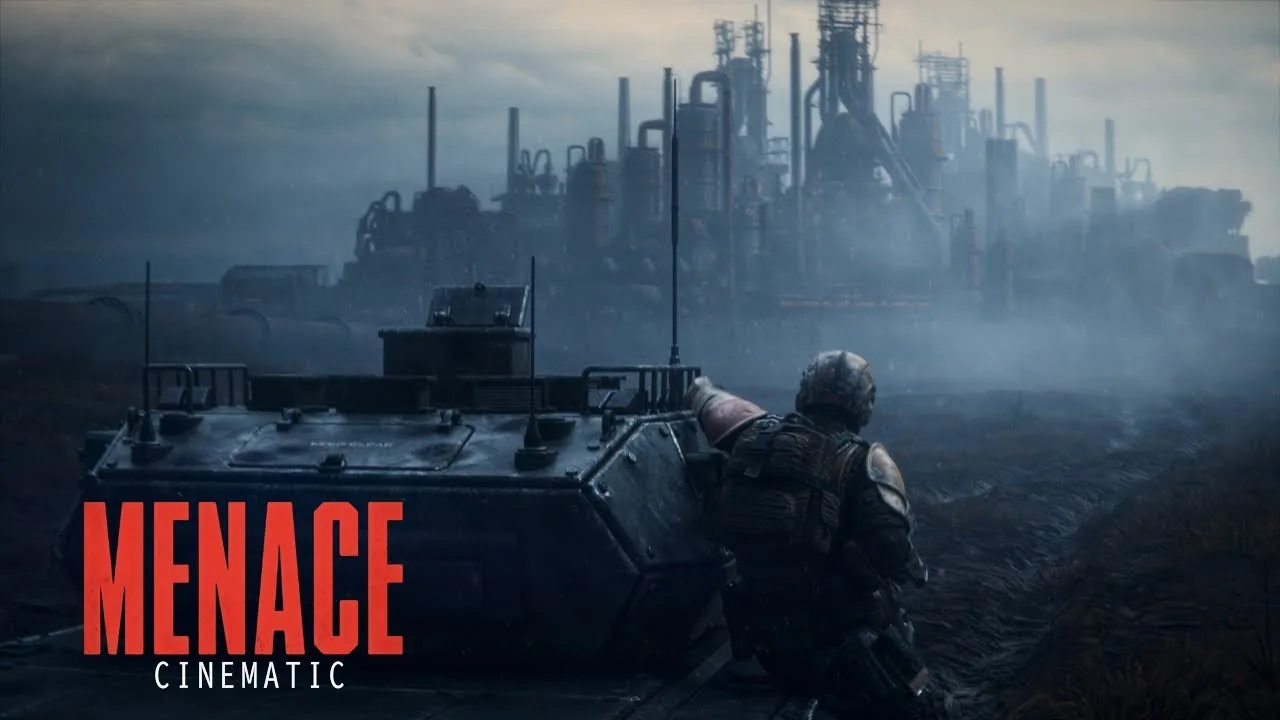
The MENACE light walker costs 140 supplies for the chassis after Patch #10, giving you a clear starting point for mission preparation. That number matters because weapons, accessories, and the rest of your force still compete for your supply budget. Build your MENACE light walker around a specific job, then check its complete deployment cost alongside your infantry.
MENACE separates a vehicle’s chassis from its mounted equipment. The chassis provides characteristics such as armor, hit points, and weapon slots; your equipment choices determine what you bring into combat. A pilot also needs an assigned vehicle before deploying.
Patch #10 reduced the Light Walker’s chassis cost from 160 to 140 supplies. The later v0.7.16 balancing update reduced the Swarm Airburst Launcher’s supply cost from 60 to 40.
Together, those values give you a concrete budget for an airburst setup:
| Loadout component | Supply cost | What the figure includes |
|---|---|---|
| Light Walker chassis after Patch #10 | 140 | Chassis |
| Swarm Airburst Launcher in v0.7.16 | 40 | Mounted weapon |
| Chassis plus Swarm Airburst Launcher | 180 | Combined subtotal before accessories |
That 180-supply subtotal is useful when comparing equipment packages. Keep it separate from the final mission total, which also includes your other deployed units and their gear.
Reserve supplies for the infantry equipment you intend to use before adding vehicle accessories. Check squad sizes, armor, special weapons, and ammunition together. Cutting several pieces of infantry equipment to squeeze in another vehicle upgrade changes how the whole force fights.
Give each addition a clear purpose. Extra weapon uses address ammunition limits; a defensive accessory addresses incoming damage. Spend supplies on the problem your loadout actually needs to solve.
Official page: MENACE (menacegame.com)
Understand Weapon Slots Before Choosing Equipment
The MENACE light walker uses the game’s modular vehicle equipment system. Weapon size determines compatibility, so check the chassis slots before planning a purchase or swapping equipment.

Vehicle weapons fall into light, medium, and heavy categories. The names describe equipment classes, rather than automatically matching a similarly named chassis.
| Weapon category | Examples | Relevant equipment rule |
|---|---|---|
| Light | Light machine guns, light flamethrowers, plasma rifles | Patch #10 allows light vehicle weapons in medium slots |
| Medium | Laser Lances, Heavy Machine-guns, Rocket Launchers, Heavy Flamethrowers | Fit weapons to compatible slots on the selected chassis |
| Heavy | Tank cannons, heavy mortars, twin-linked machine guns | Equipping a heavy weapon removes transport capacity from a vehicle that has it |
Patch #10 expanded loadout flexibility by allowing light vehicle weapons in medium slots. Apply that rule when inspecting your equipment options, especially if you want to use a weapon you already own.
Keep the distinction between walkers straight, too. The medium walker has the documented ability to mount two medium weapons. Matching weapons can provide a twin-fire skill. Plan a Light Walker loadout around its own equipment screen rather than carrying that medium-walker configuration across.
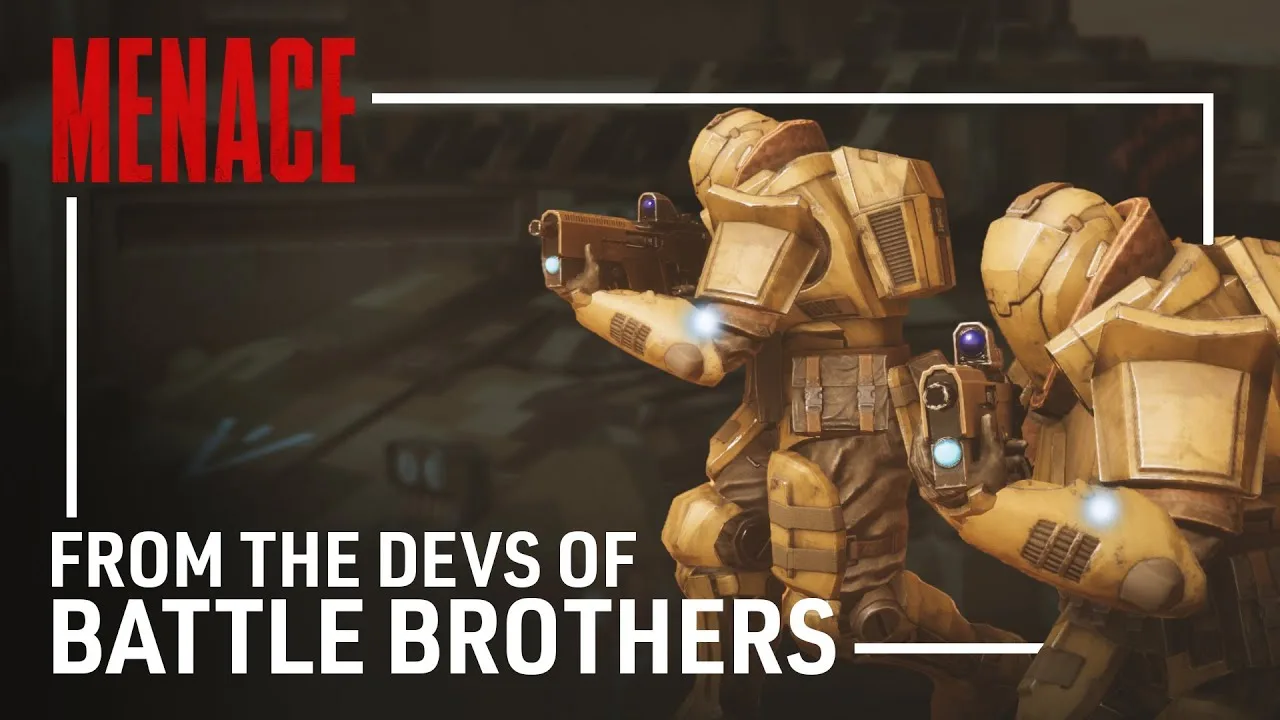
The Swarm Airburst Launcher is one demonstrated medium weapon pairing for the Light Walker. Its attacks emphasize soft targets, with scatter and limited weapon uses shaping how you spend each shot.
Read the weapon’s attack details before deployment. Damage, armor penetration, range, accuracy, and ammunition all affect the actual job it can perform. A weapon with an appealing damage number still needs suitable targets and firing opportunities.
Compare complete packages when changing chassis. Account for the weapon you intend to mount, any accessories, and the infantry equipment that remains affordable afterward. Keep those choices connected throughout mission preparation.
Use the Swarm Airburst Launcher Against Soft Targets
A Swarm-equipped MENACE light walker gives you an explosive weapon to direct at lightly protected enemies. The launcher can scatter, and its limited uses make target selection an important part of the loadout.
The v0.7.16 balancing update changed several of its values:
| Swarm Airburst Launcher stat | Previous value | v0.7.16 value |
|---|---|---|
| Damage | 12 | 20 |
| Armor damage | 30 | 35 |
| Supply cost | 60 | 40 |
The damage increase and lower supply cost change the calculation for players returning to an older build. Use the updated 40-supply weapon cost when budgeting this setup.
Prioritize soft targets with the airburst launcher. Check the target’s armor and the attack preview before committing a shot, and keep a separate answer available for armored threats. Build that answer into the force rather than expecting one mounted weapon to cover every enemy type.
Choose the Target Before Spending the Shot
Inspect the battlefield before firing. Compare the enemies threatening your objective with those your infantry can already handle, then direct the launcher toward a target that justifies spending ammunition.
For example, consider a fight with exposed infantry advancing toward your position and an enemy vehicle farther away. Check the attack preview against both, then use the airburst weapon against the soft target its attack description supports. Assign your anti-armor equipment separately.
Account for scatter when placing attacks. Inspect the surrounding area, including friendly units and civilians, before committing explosive fire.
Keep visibility in mind as well. In v0.7.16, firing blindly onto a tile carries a -60% accuracy penalty. Seek a visible target before spending a limited shot on blind fire.
Preserve the Objective’s Priority
On a rescue mission, move toward the units you need to reach. On a defense mission, focus attacks on threats approaching the protected area. Let the objective determine which enemies deserve your ammunition.
Avoid spending movement and attacks on a distant group while a nearby threat advances toward the mission goal. Check the objective, identify the immediate problem, and then choose the shot.
Manage Ammunition, Accessories, and Pilot Perks
The MENACE light walker’s equipment decisions continue beyond its mounted weapon. Ammunition capacity, defensive accessories, and available pilot perks all deserve attention before deployment.
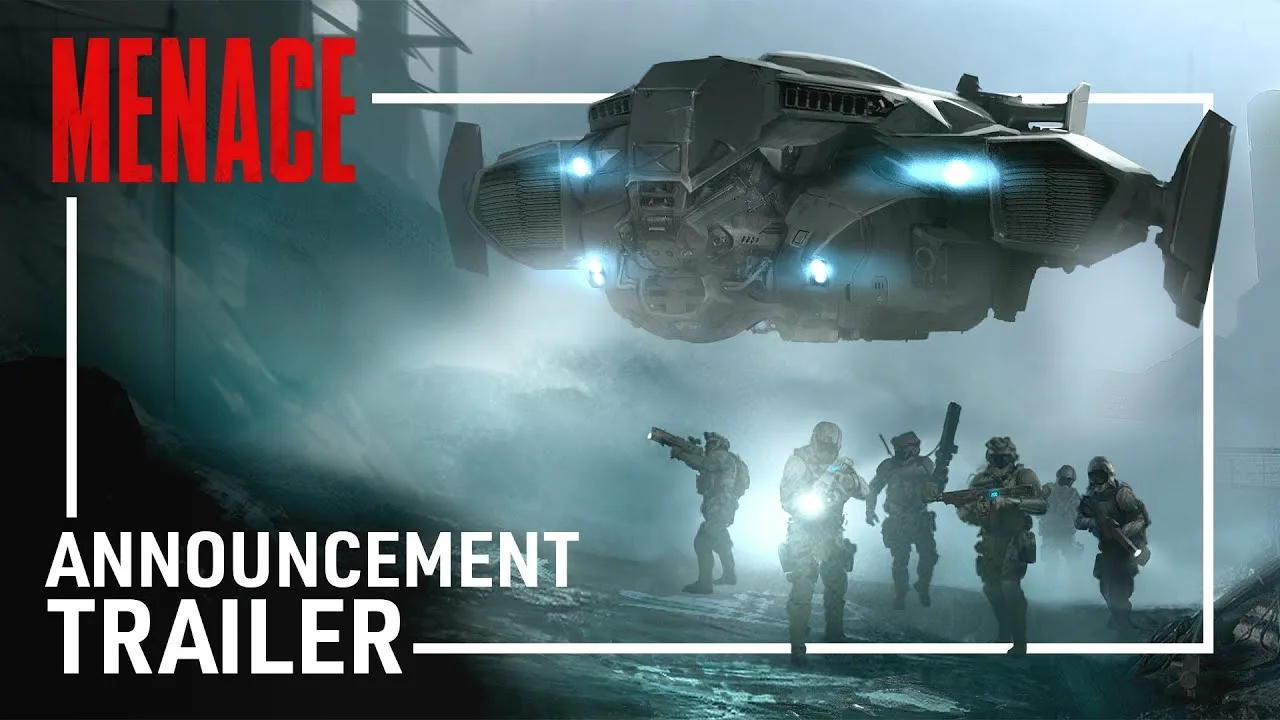
For an airburst setup, check weapon uses early. Limited ammunition can become a constraint during a longer fight, even when the chassis still has plenty of health.
A vehicle accessory effect increases all weapon uses by 50%, with a minimum increase of two. Compare the resulting ammunition count and supply total in mission preparation before accepting the change.
Several vehicle accessories also received additions or adjustments in v0.7.16:
| Vehicle accessory | v0.7.16 effect or change |
|---|---|
| Heatsink | Added with a 50% increase to maximum heat capacity |
| Electromagnetic Armor | Damage reduction increased from 33% to 50%; supply cost reduced from 25 to 20 |
| Anti Personnel Mine Launchers | AP cost reduced from 15 to 10; uses increased from two to three |
| Canister Shot | AP cost reduced from 20 to 10; uses increased from two to three; area of effect increased |
Check compatibility and the displayed effect before assigning an accessory to your vehicle. Match the accessory to the weapon or defensive function you intend to use.
For a weapon with limited shots, compare extra ammunition against additional equipment. For a heat-related limitation, inspect the Heatsink’s capacity increase. Keep these decisions tied to the selected loadout rather than filling accessory slots automatically.
Recheck Perks After the Balancing Update
Version 0.7.16 refunded promotion points and required promotions to be assigned again. Revisit your pilot’s available promotions before taking an existing campaign into another mission.
Hotwire gained an additional survival effect: the unit ignores the first destruction event and survives with 10% hit points. If Hotwire is available to your pilot, read its updated description before choosing promotions.
Sharpshooter also changed. It now reduces enemy cover level by two, but applies only to special weapons and vehicle weapons. Check access and weapon eligibility when considering it for a vehicle-focused character.
Keep older perk descriptions out of your planning. Take Aim was reworked, and Hotfix #13 restored Zig-Zag to Lim by replacing Solid Grouping. Use the promotion options currently shown for the character you are equipping.
Prepare the Whole Force Before Deployment
Finish a MENACE light walker loadout by reviewing the squad around it. Every supply committed to the vehicle leaves less room for infantry, so inspect the complete force after each meaningful equipment change.
Work through this preparation order:
- Read the mission objectives. Identify whether you need to defend, rescue, extract, or destroy enemy forces.
- Assign the pilot and chassis. Check the Light Walker’s displayed supply cost and equipment slots.
- Select the mounted weapon. Match its attack characteristics to the targets you intend to engage.
- Review ammunition. Check weapon uses and the supply cost of any capacity increase.
- Preserve complementary infantry equipment. Keep anti-armor weapons, smoke, or other tools that address separate needs.
- Check the final supply total. Review squad sizes and armor after the vehicle package is complete.
For a Swarm setup, carry an appropriate anti-armor option elsewhere in the force. Inspect penetration, damage, range, and weapon uses together when selecting it.
Smoke also deserves deliberate placement. It can help cover a withdrawal, but it interferes with your own visibility. Plan the escape route and firing positions before placing smoke across an engagement.
On rescue missions, prioritize reaching friendly units over unnecessary setup actions. Deploying the walker into a kneeling position and standing it back up consumes actions; avoid spending those actions simply to inspect the animation while allies need help.
On defense missions, review which enemies are approaching the protected zone before attacking. Spend limited ammunition on threats that affect control of the objective, and use the rest of your force to cover other approaches.
Before confirming deployment, make one final pass through the loadout:
- Check the mounted weapon and remaining supply allowance.
- Review ammunition and accessory effects.
- Reassign refunded promotions.
- Preserve an answer to armored enemies.
- Match your opening movement to the mission objective.
FAQ
How much does the MENACE light walker cost?
The chassis costs 140 supplies after Patch #10, down from 160. Weapons and accessories add to that figure. With the Swarm Airburst Launcher’s v0.7.16 cost of 40 supplies, the chassis-and-weapon subtotal is 180.
Can the Light Walker use the Swarm Airburst Launcher?
Yes. The Light Walker can be equipped with the Swarm Airburst Launcher, a medium vehicle weapon. In v0.7.16, the launcher has 20 damage, 35 armor damage, and a supply cost of 40.
Can light vehicle weapons fit in medium slots?
Yes. Patch #10 added that compatibility. Check the selected chassis’s slots when assembling the loadout, and keep the medium walker’s two-medium-weapon configuration separate from your Light Walker planning.
How should I handle the airburst launcher’s limited ammunition?
Check weapon uses during mission preparation and compare an ammunition-increasing accessory against your remaining supplies. The relevant accessory effect adds 50% to weapon uses, with a minimum increase of two. Prioritize suitable soft targets when spending those shots.
Continue with
 MENACE Vehicles: Chassis, Weapons, and Loadout GuideBuild better MENACE vehicles with chassis comparisons, weapon slot rules, transport tips, and updated tank, walker, mortar, and accessory stats for combat.
More in Vehicles
MENACE Heavy Tank Guide: Weapons, Gear, and Tactics
Build your MENACE heavy tank around the right weapons, supply costs, and accessories. Learn how to get it and keep armor fighting through tough missions.
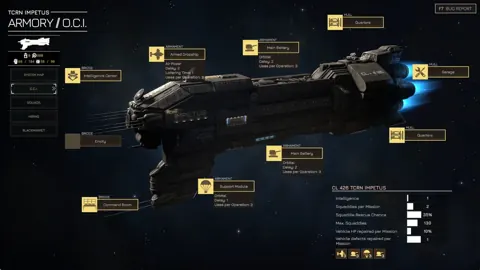
MENACE Heavy Walker Guide: Weapons, Slots, and Builds
Build your MENACE heavy walker loadout around weapon slots, linked fire, and current balance changes. Compare walker options and plan your next deployment.
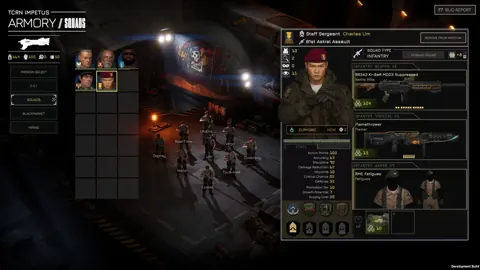
MENACE How to Repair Vehicle: Garage and Defect Guide
MENACE how to repair vehicle: learn how the Garage restores HP, removes defects, and keeps your armor ready between missions. Plan your next deployment.
Join the community
Official channels for news, updates and player help: