
Early access · Release date: February 5, 2026
UpdatedMENACE Discord: Join the Official Community and Get Help
Find the MENACE Discord community, learn to join through official channels, discuss builds, share useful feedback, and keep up with Early Access updates.
Jump to
How to Join the MENACE Discord Community
Need help rebuilding your squads after a balance patch? The MENACE Discord connects you with Overhype Studios’ community for discussions, updates, and feedback. Use the MENACE Discord to compare tactical choices and talk through changes before committing to your next operation.
The official community is the Overhype Studios Discord, and its invite code is ZsJmhjKKZz. Keep that code handy when looking for the right server.
To reach it through an official entry point, open the MENACE Steam page, open a recent game announcement, and follow its Discord link. This gives you a direct route from the game to its community.
| Community detail | What to know |
|---|---|
| Official community | Overhype Studios Discord |
| Invite code | ZsJmhjKKZz |
| Community activities | Discussions, updates, and feedback |
| Game developer | Overhype Studios |
| MENACE Early Access launch | February 5, 2026 |
Once you arrive, read the server’s rules and any posting instructions before asking your question. Follow the server’s current organization when choosing where to post.
Bring a specific problem rather than a broad request for help. “How should I rebuild Lim after v0.7.17?” gives a conversation a clear starting point. Include the perks you are considering and the role you want that squad to fill.
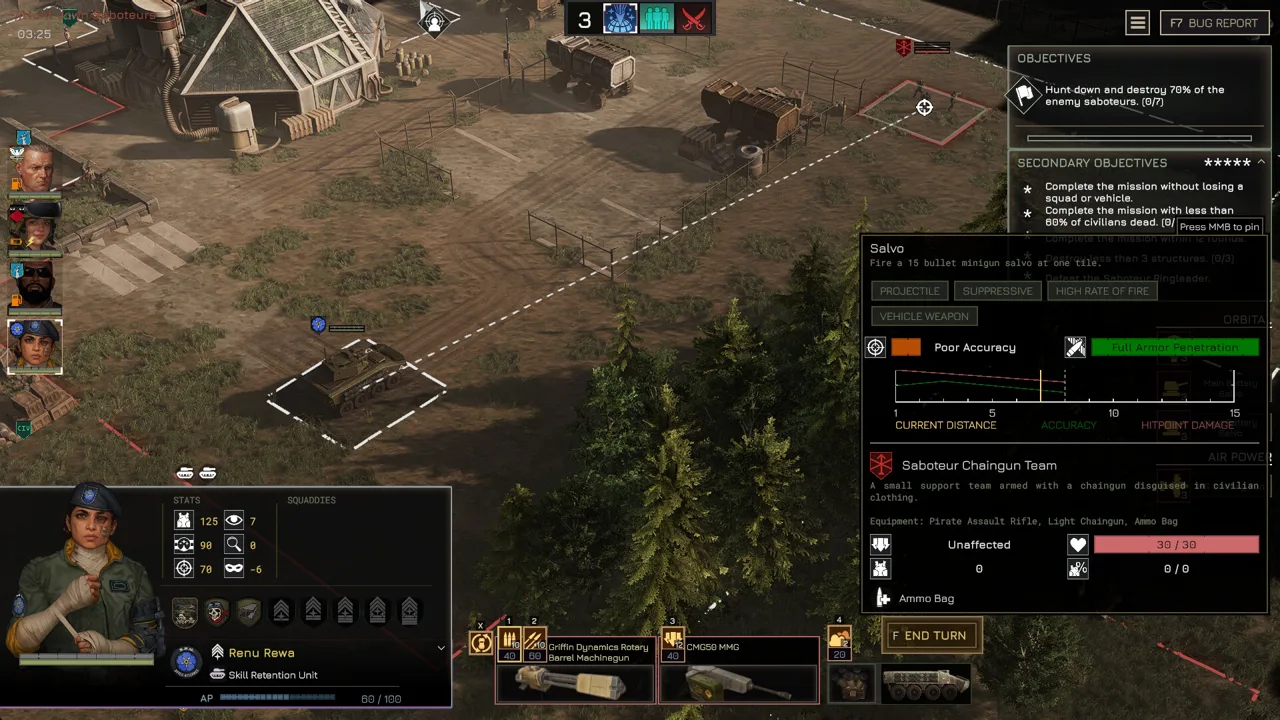
MENACE puts you in command of a Republic Marine Corps strike force in the isolated Wayback system. Between limited supplies, squad leader promotions, vehicles, and linked missions, a tactical question can have several moving parts. Explain which part is causing trouble so other players can focus their answers.
Get Useful Answers and Give Clear Feedback
The MENACE Discord becomes more useful when your post includes enough context to understand the decision. A weapon choice depends on what you need it to accomplish; a performance issue needs different details entirely.
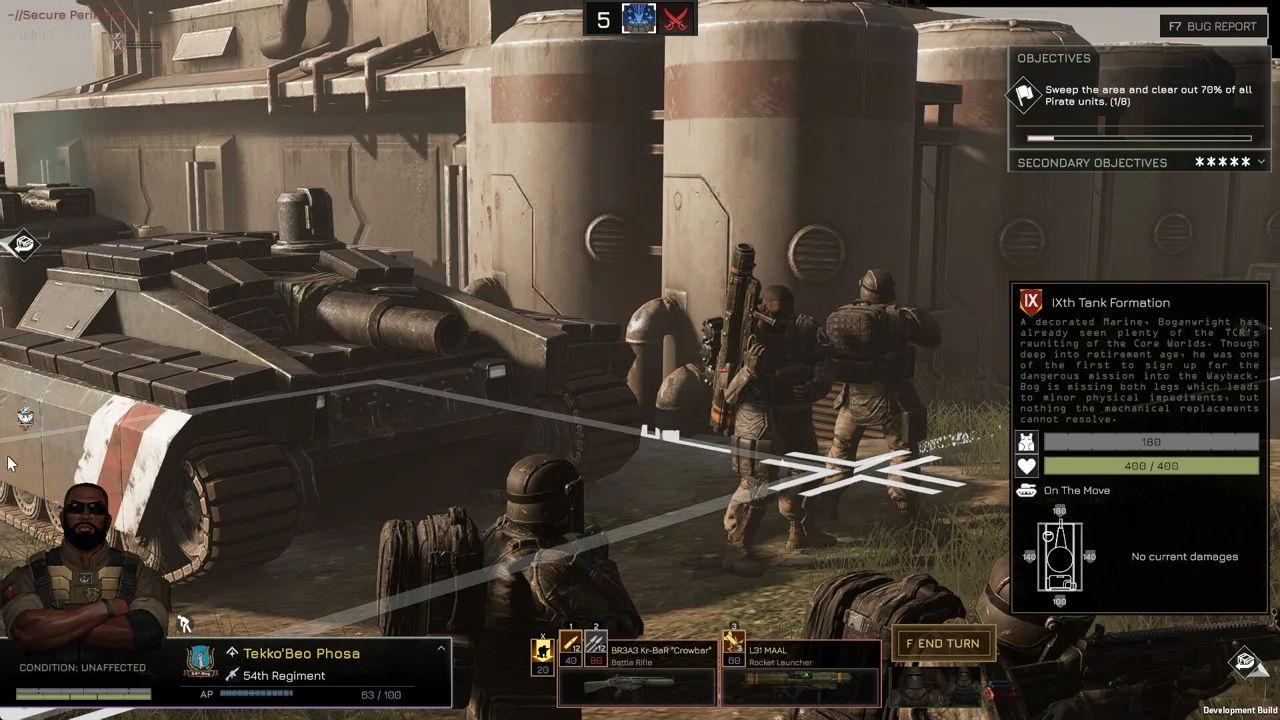 Image: Steam / Overhype Studios
For build questions, include:
- Your game version.
- The squad leader involved.
- Relevant perks, weapons, armor, and accessories.
- The mission or enemy causing trouble.
- The supply limitation or tactical tradeoff you are trying to solve.
Keep the question narrow. Instead of asking whether your entire roster is wrong, ask whether a particular loadout can handle the enemy armor you are facing. That makes it easier to discuss armor penetration, ammunition, positioning, or support without losing the original problem.
For bug reports, separate what happened from what you expected. Describe the mission, the action immediately before the issue, and whether you can reproduce it. Add a screenshot when it helps show the battlefield or interface state.
Avoid folding several unrelated issues into one long message. Give each problem enough space to be understood, and follow any server instructions for reporting bugs.
Balance feedback benefits from the same precision. Explain the interaction that feels too strong or too weak, then describe its effect on your choices. Compare supply costs, action point costs, range, or equipment uses when those values explain the problem.
For example, the v0.7.16 balance update increased the BR3A3 Kr-BaR “Crowbar” supply cost from 9 to 11 and reduced its ammunition from 12 to 10. A useful discussion would examine how those changes affect your loadout budget and ammunition planning.
Feedback can also lead to another revision. In v0.7.17, Lim regained Zig-Zag in place of Solid Grouping. Keep the version attached to your argument so everyone is discussing the same perk tree.
Check Your Version Before Following Build Advice
Early Access changes can make an older recommendation confusing. The latest update covered here is v0.7.17, Hotfix #13, following the substantial v0.7.16 balancing update.
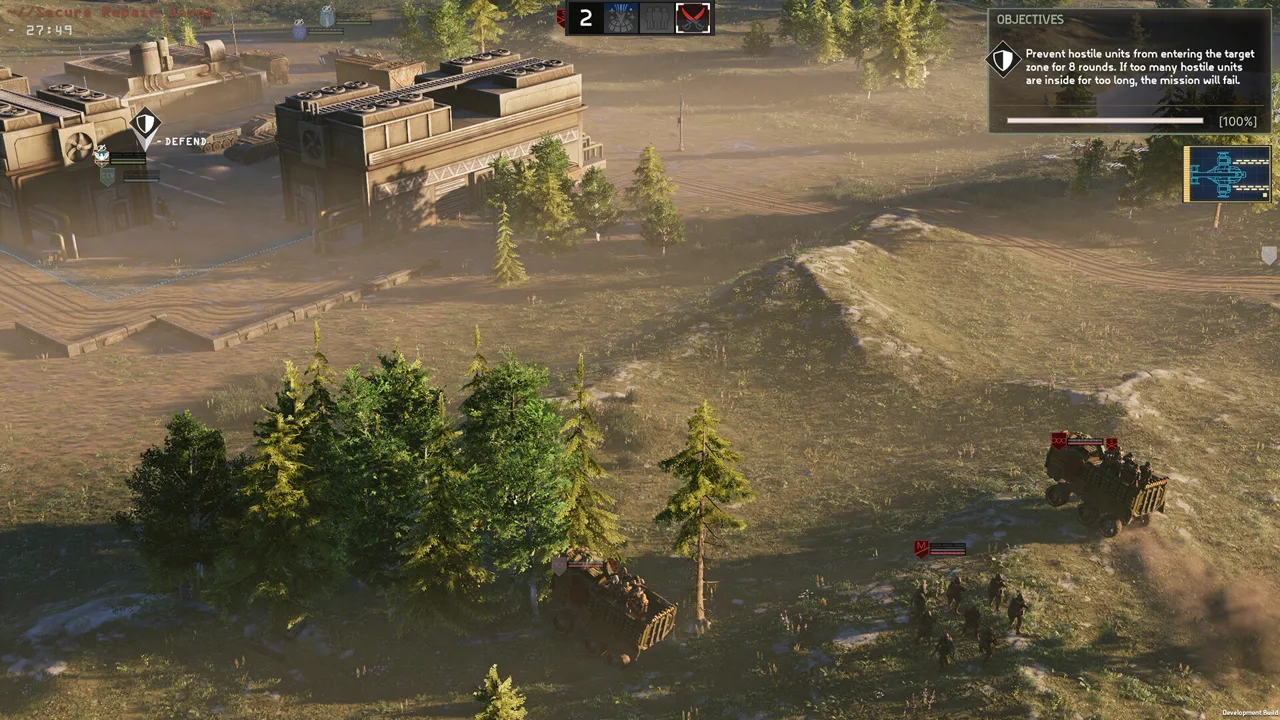 Image: Steam / Overhype Studios
The MENACE Discord is a place to work through those changes, but start by identifying which version a build uses. An older perk combination may no longer match the choices on your promotion screen.
| Update | Change | What to check in your campaign |
|---|---|---|
| v0.7.16 | Promotion points refunded after perk changes | Review and reassign promotions |
| v0.7.16 | Sprint added: up to 5 tiles for 40 AP, followed by winded | Account for its AP cost and aftermath |
| v0.7.16 | Standby and Take Aim merged into a revised Take Aim | Reconsider builds using either older perk |
| v0.7.16 | Damage reduction capped at 90% | Recalculate combinations built around damage reduction |
| v0.7.17 | Lim’s Solid Grouping replaced with Zig-Zag | Review Lim’s refunded promotions |
| v0.7.17 | Screen Space Global Illumination disabled | Include this version when discussing performance |
Both updates preserve existing save compatibility. The balancing update nevertheless requires you to assign promotions again, while Hotfix #13 resets and refunds Lim’s promotions specifically.
Check those promotion screens before heading back into combat. A compatible save and a fully assigned squad roster are separate things.
Take Aim deserves particular attention when comparing older builds. Its revised effect delays the active unit’s turn and grants a 10% accuracy bonus and 30% critical hit chance bonus. That changes the decision from simply choosing an accuracy perk to considering when the unit should act.
Ironman also changed in v0.7.16. Closing or quitting the game during a mission aborts that mission, and the update prevents save manipulation from reviving squad leaders downed or killed during it. Read Ironman advice with those rules in mind before relying on an older saving strategy.
Turn Tactical Questions Into Specific Comparisons
The strongest reason to discuss builds is to understand what you gain and what you give up. MENACE’s equipment system asks you to balance squad strength against supply costs, and ammunition is limited during missions.
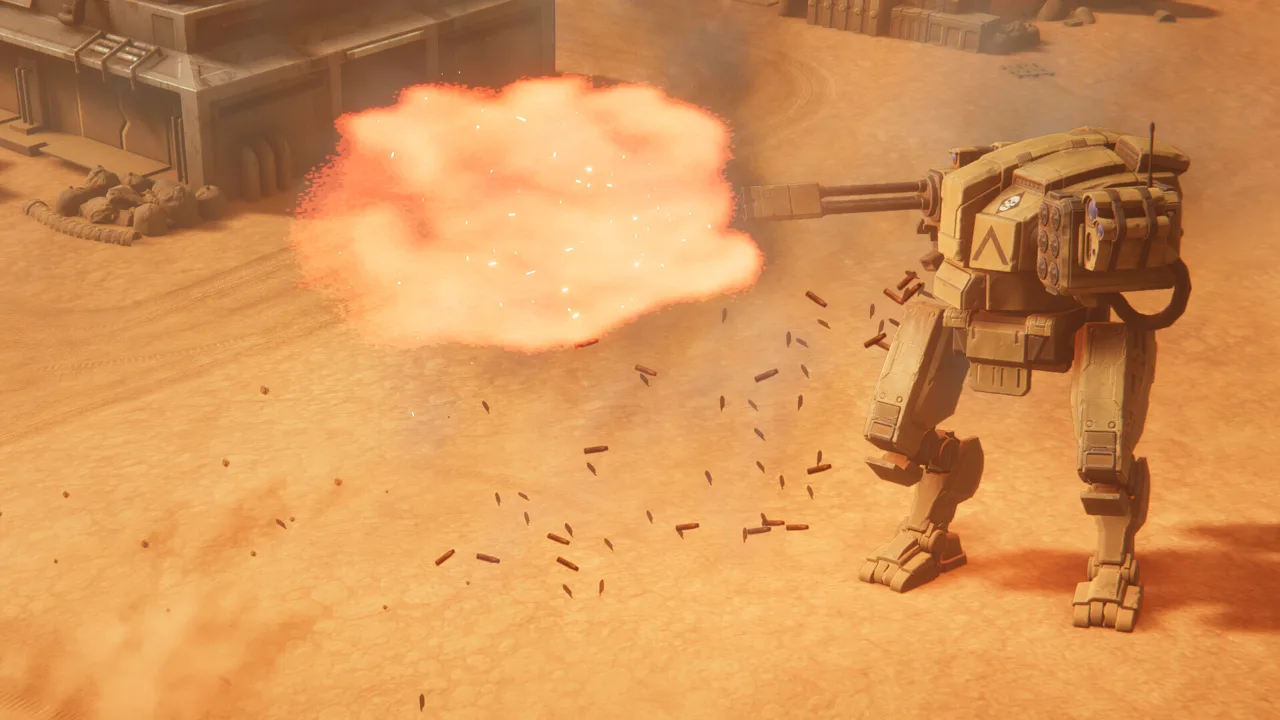 Image: Steam / Overhype Studios
Use the MENACE Discord to compare a defined pair of options. Name the weapons or accessories, explain their intended role, and describe the constraint that makes the choice difficult.
The v0.7.16 update provides several concrete starting points:
| Equipment or mechanic | Updated value or effect |
|---|---|
| Heatsink vehicle accessory | Maximum heat capacity increased by 50% |
| IFAK — First Aid infantry accessory | Squaddie rescue chance increased by 25%; one squaddie always rescued |
| Thermite Grenade | Armor penetration increased from 140 to 180; armor damage increased from 200 to 250 |
| Tripod Laser Lance | Supply cost reduced from 70 to 45 |
| Kingpost M8 Mortar | AP cost reduced from 50 to 40; scatter chance reduced from 50% to 33% |
| Blind fire | Applies a 60% accuracy penalty |
| Hive Queen | Immune to stun effects |
These details let you ask a practical question without reducing every discussion to a universal ranking.
For a vehicle loadout, compare the Heatsink’s increased heat capacity against the other accessory you would equip. Include the vehicle weapon and the firing pattern you are trying to support. Keep the discussion tied to that loadout.
For infantry, explain whether you are trying to improve survival, suppression, mobility, or damage against armor. Those are different goals. Ask which part of your current setup prevents the squad from doing its assigned job.
Be especially careful with advice involving control effects. The Hive Queen’s stun immunity means a plan built around stunning that enemy needs to change. Include the target’s name when asking about a control ability.
Likewise, distinguish a direct shot at a visible enemy from firing blindly at a tile. The blind-fire accuracy penalty can explain why a tactic behaves differently than expected.
Limited ammunition also deserves attention when discussing heavy weapons. Include whether your problem occurs early in a mission or after prolonged fighting. Ask about ammunition planning alongside damage output.
When sharing your own build, explain its purpose and limitations. “This setup is intended to suppress infantry while another squad handles vehicles” communicates more than calling it an unbeatable composition.
Follow Updates Without Confusing Plans With Live Features
The MENACE Discord can help you discuss what comes next, but keep released changes separate from roadmap plans. The balancing overhaul is already live in v0.7.16. Other items in the remaining 2026 roadmap describe upcoming development.
| Roadmap item | Planned content | Campaign detail |
|---|---|---|
| Squad Leader Update #2 | One new squad leader and one new pilot | Includes the Extended Campaign option |
| Extended Campaign | Progression reduced to roughly half its previous pace | Intended for a slower campaign |
| Main Story Expansion #1 | Story progression, new Construct units, Level 2 Blueprints, and new items | Some content requires a fresh campaign; existing saves remain playable |
| Early 2027 System Map update | New map mechanics and interactions | Part of the 2027 development outlook |
The roadmap gives an order for the remaining 2026 updates rather than fixed release dates. Keep that distinction in mind when deciding whether to continue a campaign or wait for new content.
Before restarting specifically for an expansion, check its release details. Main Story Expansion #1 includes content that unlocks only in fresh campaigns, even though existing saves can continue.
Performance discussions also benefit from checking the current update. Hotfix #13 disables Screen Space Global Illumination because of its performance cost on various GPUs and potential crashes.
Other listed issues include slow loading and delayed voice barks on HDD installations, fullscreen behavior after minimizing, and crashes associated with high refresh rates. For fullscreen problems, try Fullscreen Window. For the high-refresh-rate crash issue, enable Vsync or reduce the frame-rate target to 60 FPS or lower.
Include your hardware, storage type, display mode, and game version when requesting technical help. Change one relevant setting at a time so you can explain what affected the problem.
For another way to follow development, visit the Overhype Studios official website and sign up for the monthly MENACE newsletter.
FAQ
What is the official MENACE Discord invite code?
The official Overhype Studios community uses the invite code ZsJmhjKKZz. You can also reach its Discord invitation through MENACE’s official Steam announcements.
What can I discuss in the MENACE Discord?
The community supports discussions, updates, and feedback. Bring questions about squad leader builds, equipment choices, tactical mechanics, or patch changes, and follow the server’s posting rules.
Do I need Discord to play MENACE?
No. MENACE is a single-player game that supports offline play. Discord is an optional community space for discussing the game and following development.
Why did my squad leader promotions reset?
The v0.7.16 balancing update refunded all promotion points because perks were changed or replaced. Hotfix #13, v0.7.17, separately reset Lim’s promotions when Zig-Zag replaced Solid Grouping. Review the affected perk trees and reassign those points before your next mission.
Continue with
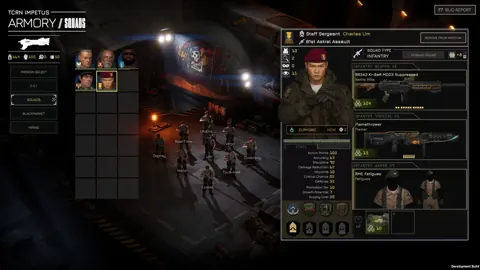 MENACE Mods: Features, Compatibility, and Patch TipsExplore MENACE mods, from free Black Market trading to demo unlocks. Learn what each changes, how patches affect compatibility, and what to check next.
More in Community
See all Community
Quick links
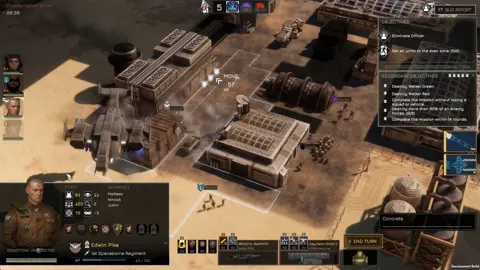
MENACE Full Release Date: 1.0 Status and 2027 Roadmap
Looking for the MENACE full release date? Get the latest 1.0 status, Early Access launch details, and a breakdown of the 2026 and 2027 update roadmap.
MENACE Squad Leader Tier List: Best Picks and Builds
Use this MENACE squad leader tier list to compare top picks, plan promotions, and build stronger squads with the updated perk changes for version 0.7.17.
MENACE PS5: PC Release Dates, Updates, and Roadmap
Looking for MENACE PS5 news? Get the PC Early Access release date, current update details, and development roadmap before planning your tactical campaign.
MENACE Guide: Squad Builds, Combat, and Mission Tips
Use this MENACE guide to manage supplies, build effective squads, master turn order, and plan operations in v0.7.17. Prepare your force for the Wayback.
Join the community
Official channels for news, updates and player help: